
Events for your image!
Powerful images and improved visual communication for your event!
LiveImage
- our exclusive system for a new type of rapid image communication
LiveImage
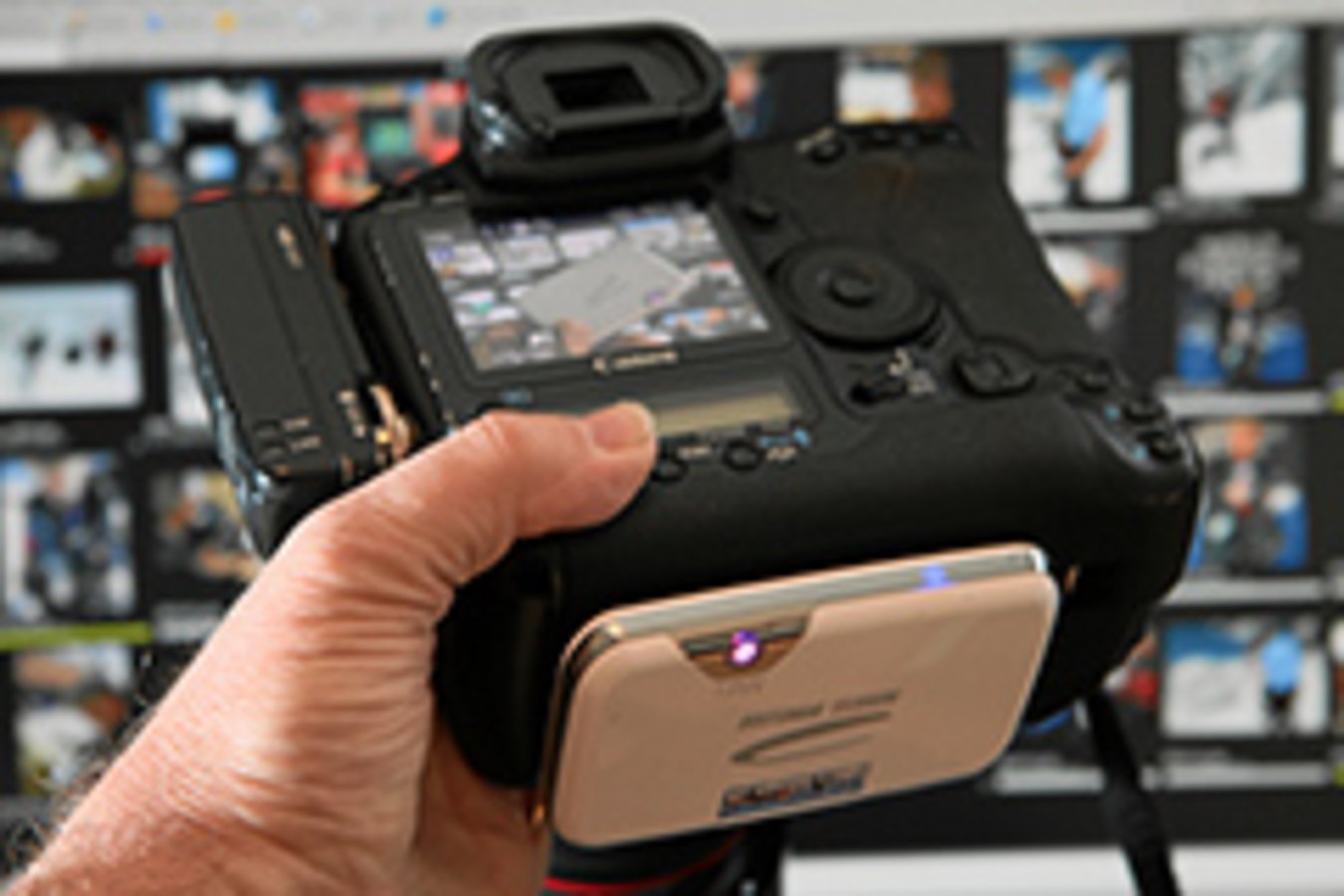
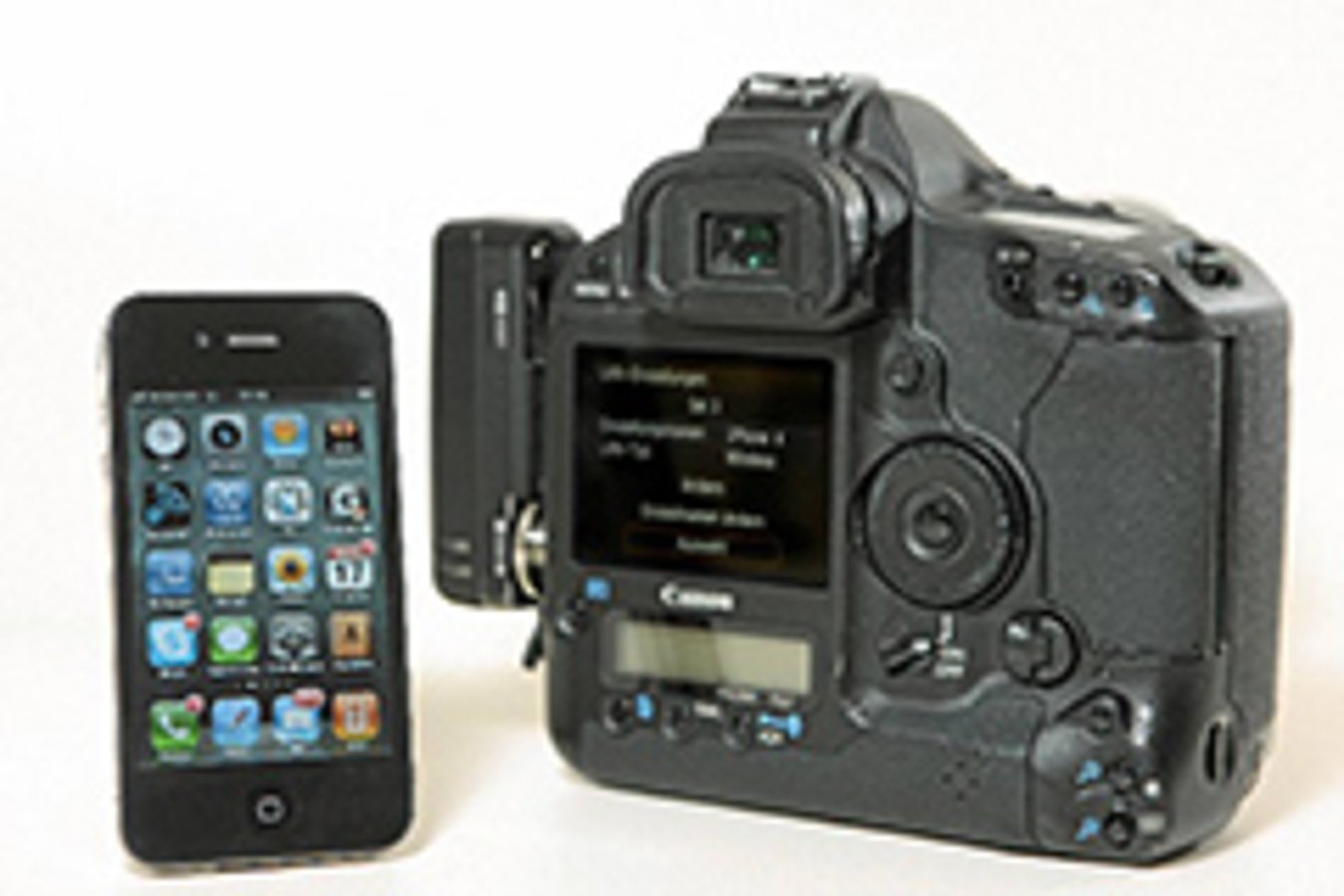
From the camera to the mobile Internet
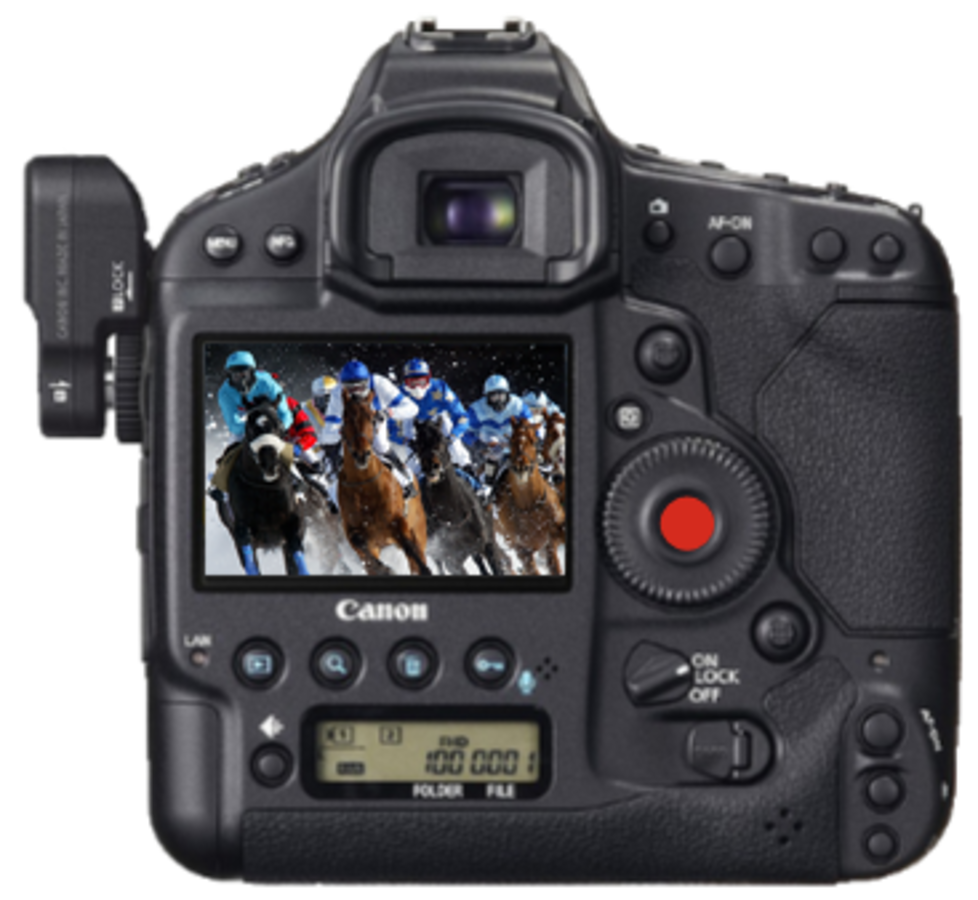
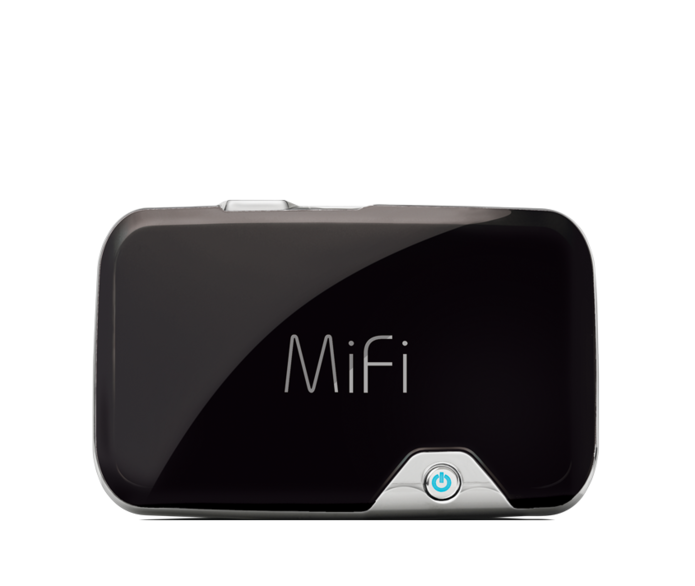
... and, through Wi-Fi and LTE, the image data are al-ready sent off on their journey to swiss-image.ch.
Live photos for the public.
Just 30-90 seconds* after being taken, event photos appear...
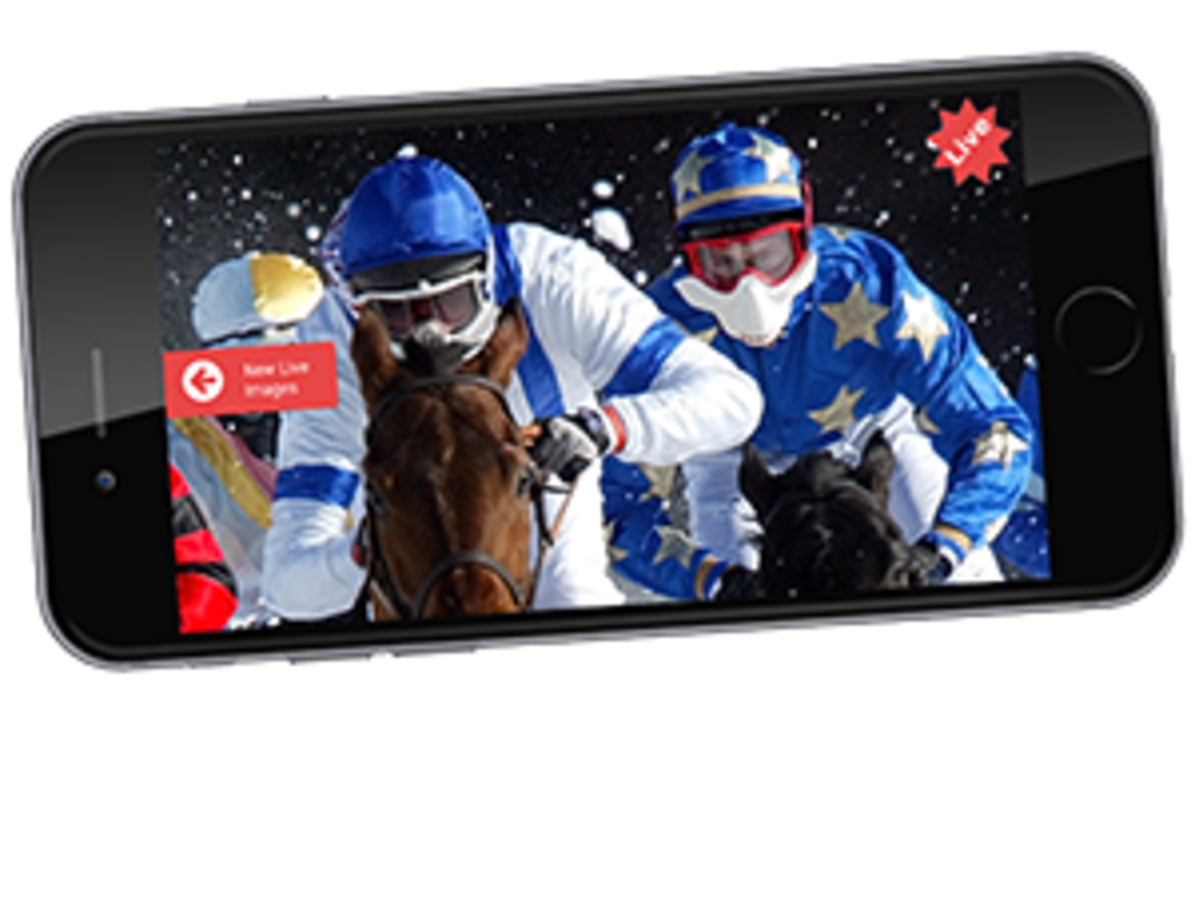
... in the LiveGallery on smartphones and tablets, and can be downloaded and shared on Facebook, Twitter, Google+, and Pinterest.
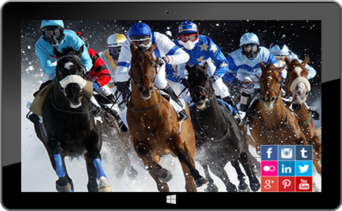
... on every tablet as an animated LiveSlide or as a Live-Gallery for swiping or tapping. All images can be up-loaded to Facebook and the like.
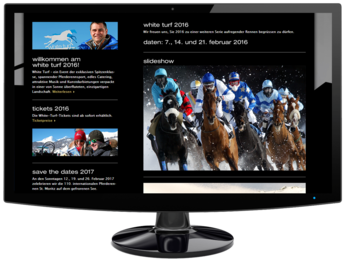
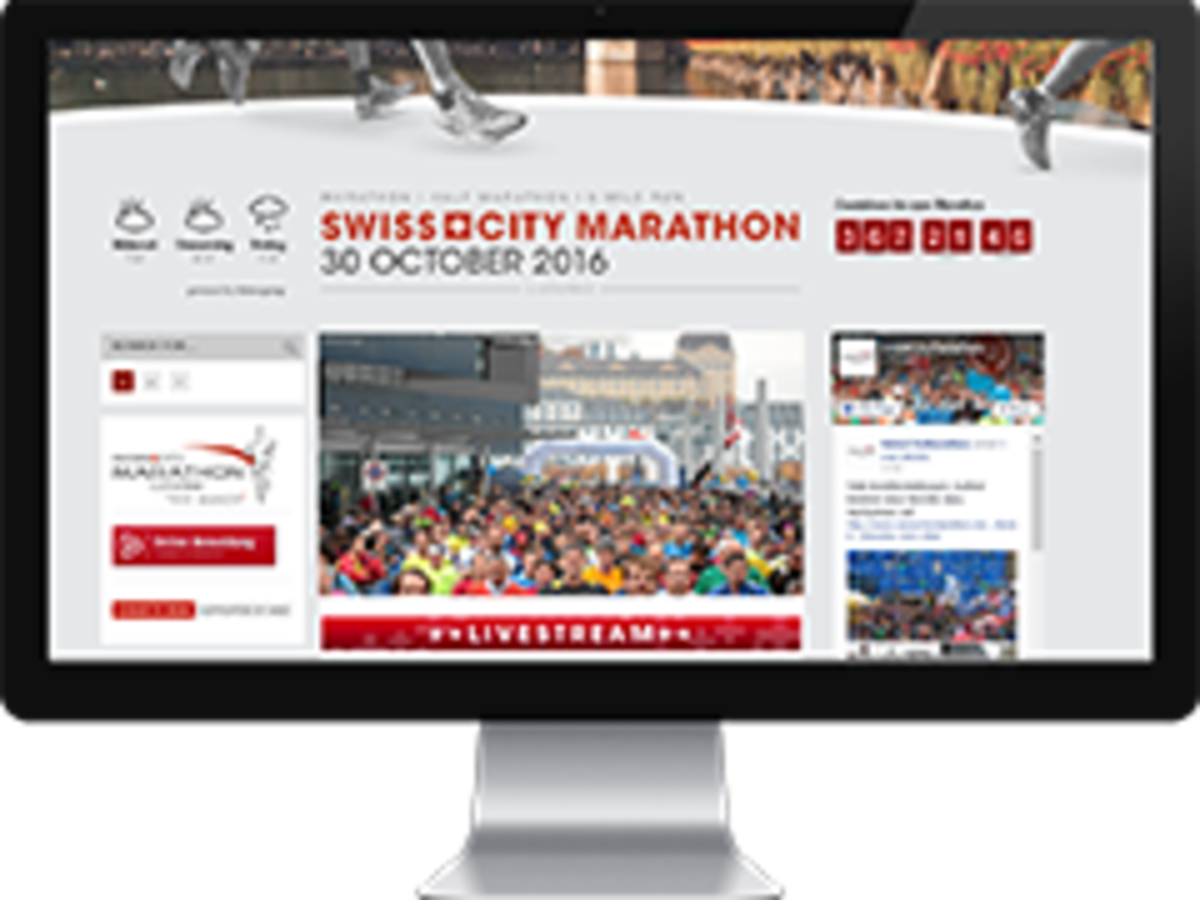
... embedded in the homepage (iFrame) of the event website. Visitors experience the event happenings intimately and in real time, and may upload photos to social networking sites.
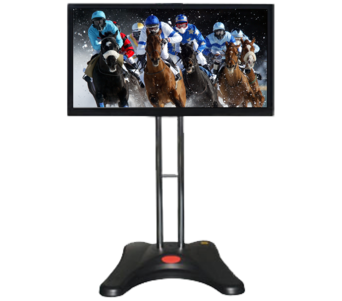
... on screens in the public and VIP areas, but also in hotels, restaurants, and storefronts.
Live photos for media and event organiser.
Five minutes* after being taken, the event photos are ready for downloading!
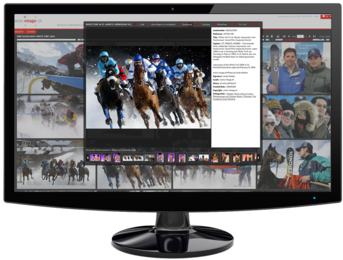
Minutes after being taken, the event photos are available to media for free downloading. The media can obtain access from the press team and swiss-image.ch.
* Average value, effective times may vary upward or downward.
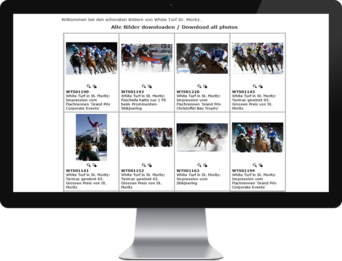
A PHOTOmail actively informs the media of the availabil-ity of free press photos. The images can be downloaded directly from the e-mail.
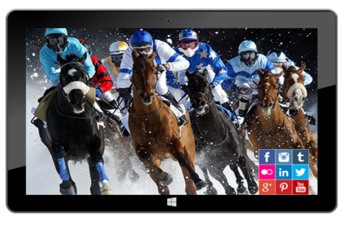
The event also benefits from the rapid availability of the photos. With his or her phone or tablet, the social media manager can immediately upload the images to social networks.
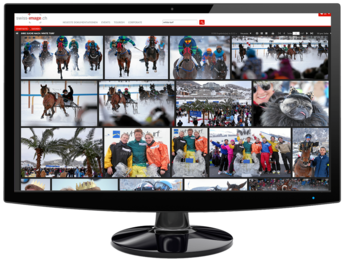
The event photos are downloaded to a professional im-age database, even while the event is still underway. The photos are available for downloading 24 hours a day, 365 days a year.
Your Benefits
- our image service has it all
Powerful images for impressive communication
Every successful type of communication begins with exceptional, emotional images. Leading event and sports photographers at swiss-image.ch produce powerful images for all purposes. It’s very fast, thanks to LiveImage, and offers you unprecedented communication applications.
We are your image agency – and much more!
We produce your press images. Just minutes after they are shot, our image editors upload your event photos to our online database, which is easy for the media to access. Together, we communicate the availability of your royalty-free images. For example, we send PHOTOmails via e-mail offering your most beautiful images for journalists to download.
Internet and social media – images & tools
Modern image communication cannot rely solely on classic media. For years, we have been developing new forms of online image communication. Our live slideshows for event websites and our web solutions for smartphones, tablets and PCs are very popular with the public. Every image features social media links so users can legally share all images.
Image service for all your event purposes
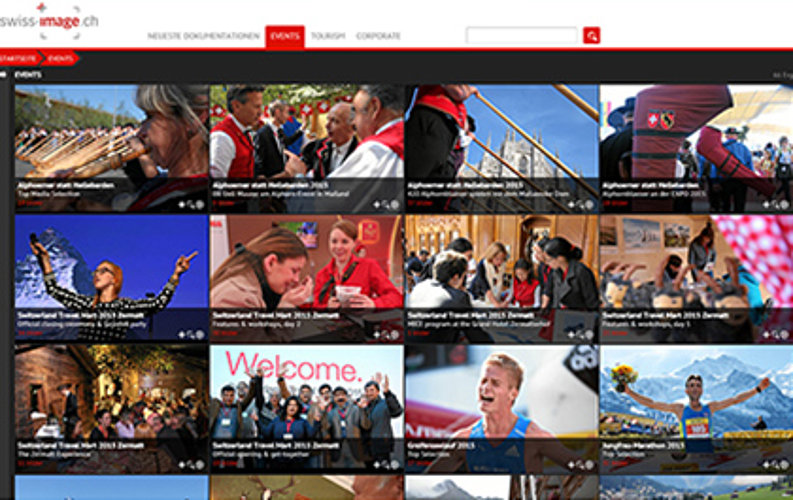
A treat for your creative team: The swiss-image.ch image database offers access to your event images 24/7. High availability makes it easy to use the images for websites, social channels, advertising, communication, media and sponsors. Our tools and photography will improve and intensify your image management – and you save time and money.

Innovative
and creative: Our live image products add real value
LiveImage: Photos straight from camera
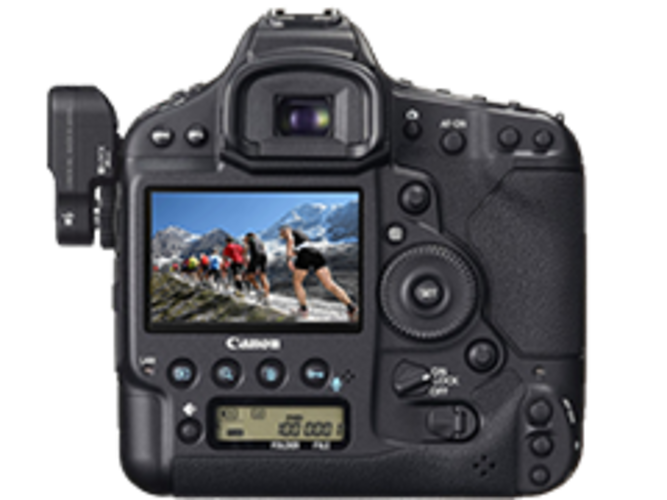
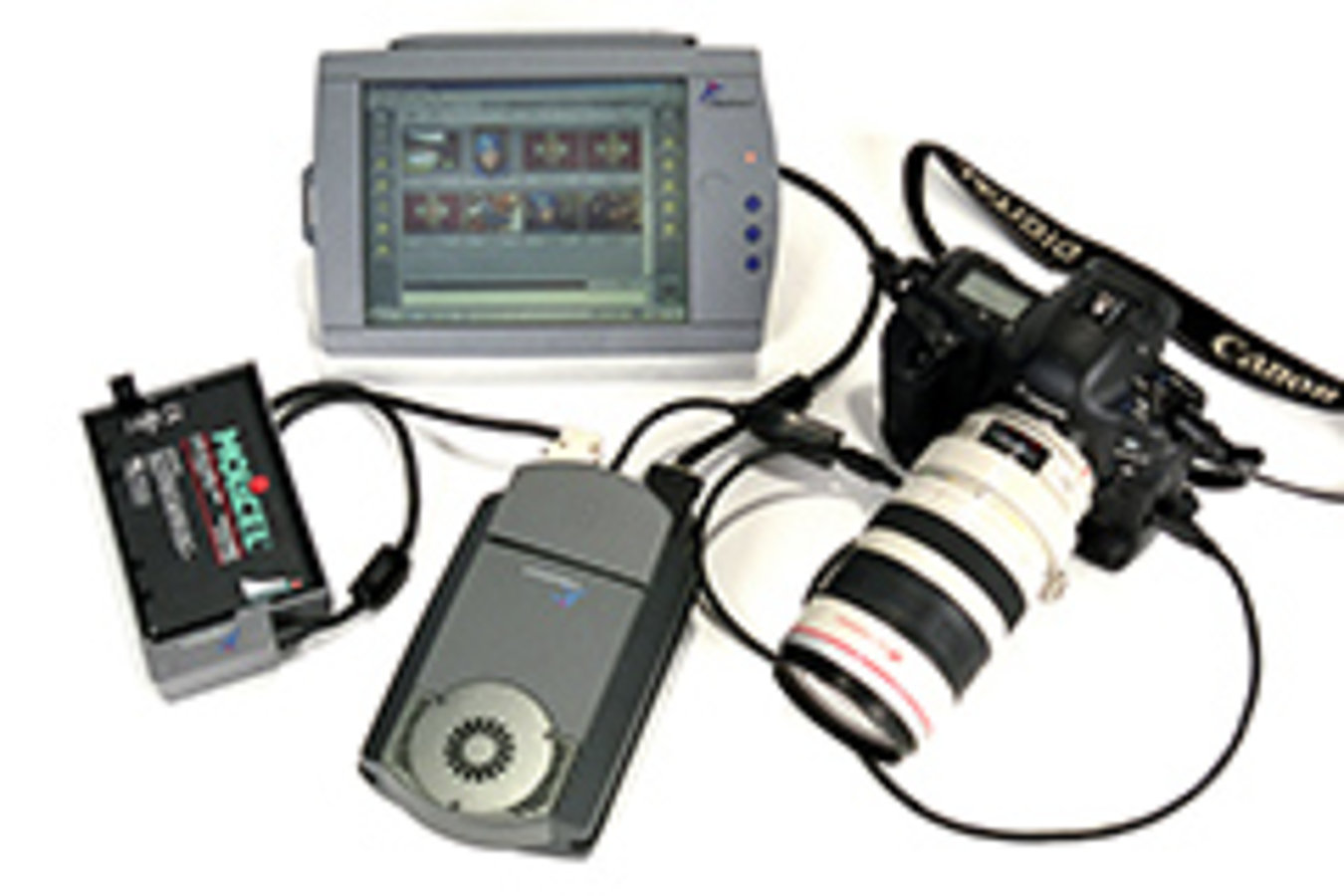
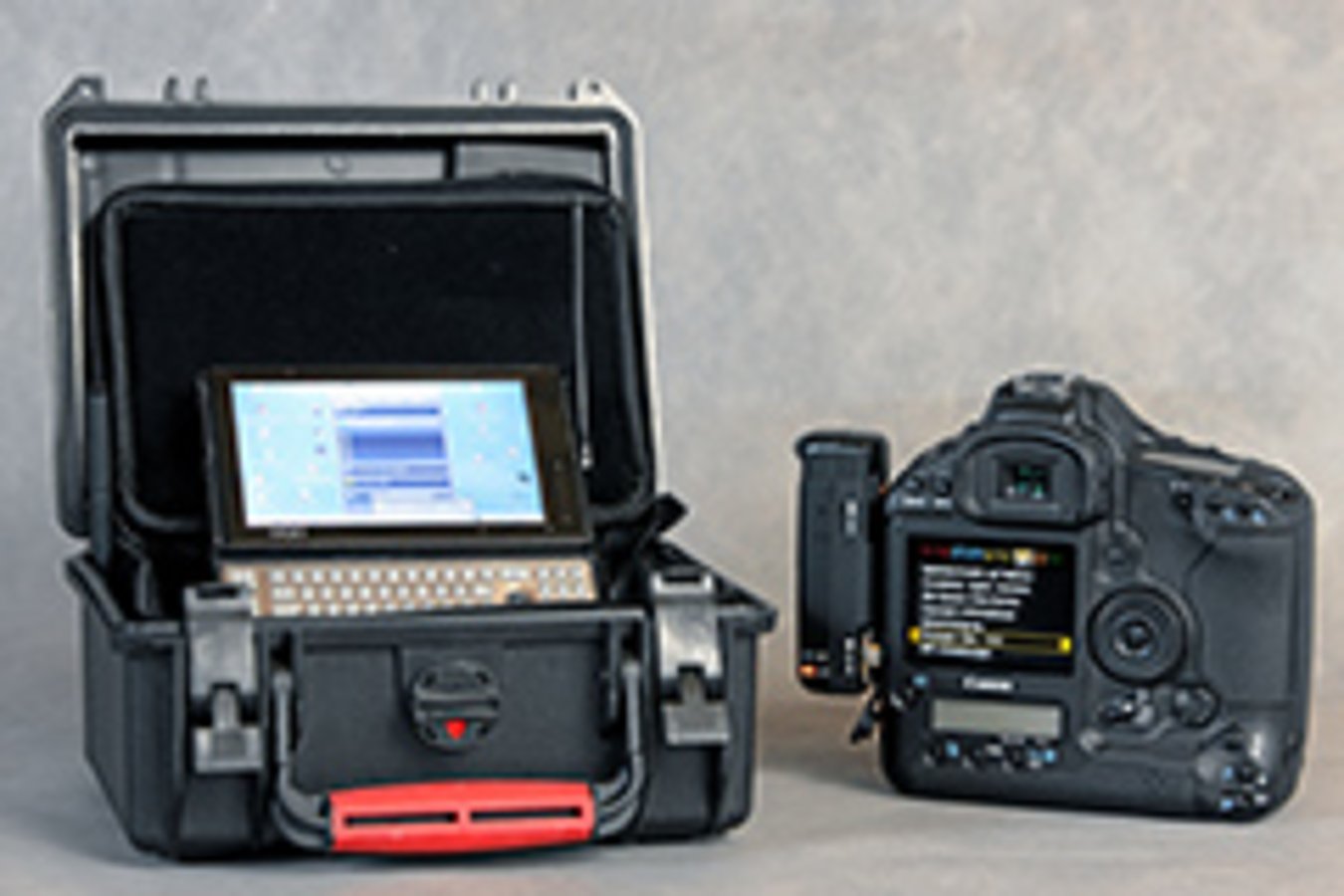
Swiss-image.ch is a market pioneer and has been developing systems for directly transferring images from professional DSLR cameras since 2002. Our LiveImage transfer system has virtually revolutionized event photography. Just 30 seconds after being shot, your event photos can appear on smartphones, tablets and PCs, where you can upload them to social networks.
LiveGallery: Photos on mobile devices
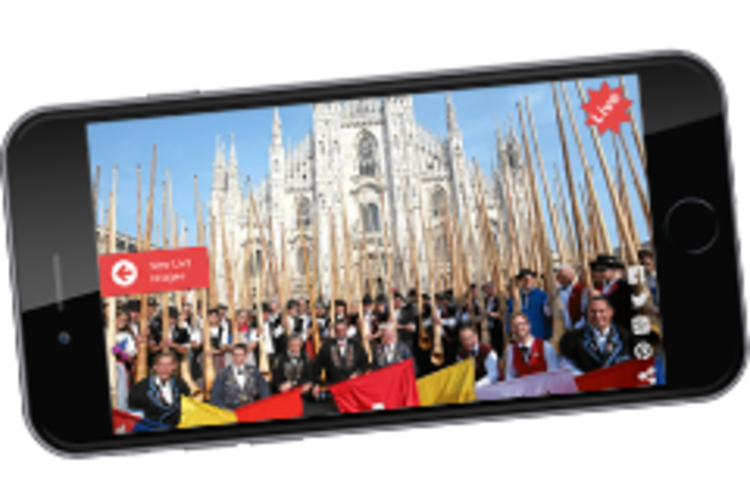
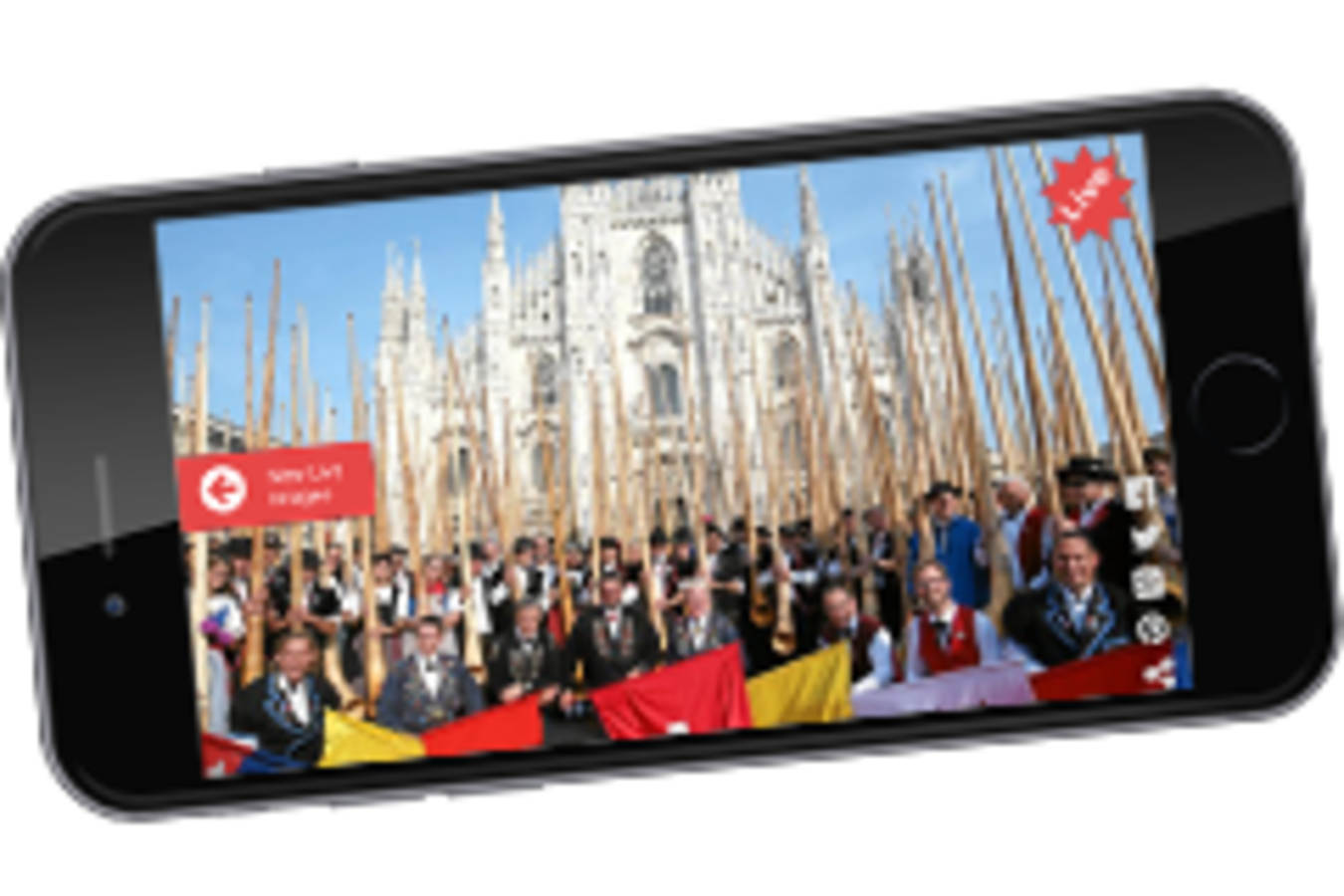
420 Swiss Alphorn players line up in front of the Milan Cathedral to set a world record for group Alphorn playing. Partners, children and grandchildren at home get out their smartphones and start to browse www.liveimage.ch. A red button retrieves the latest image from Milan. The world record was successful. Friends and family celebrate the images and the victory.
LiveSlide: Slideshow on your website!
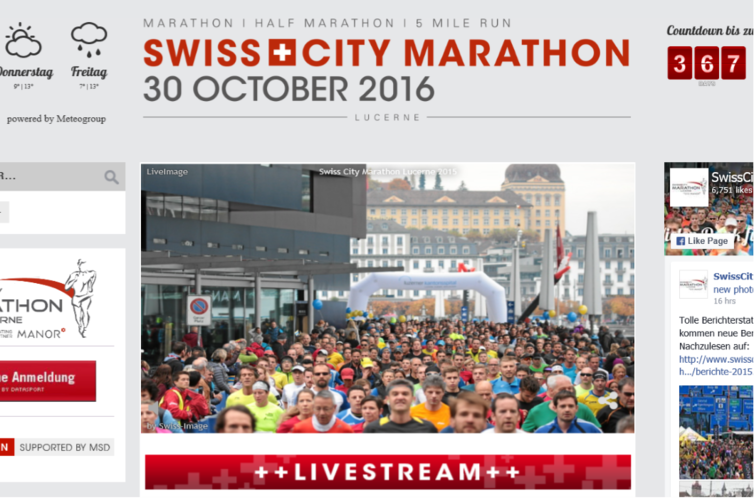
swiss-image.ch shares your world in images. LiveImage lets you easily integrate a live slideshow into your website (iFrame). Animated images quickly engage visitors’ emotions. You can instantly upload the best photos to social media. Posting your event images is encouraged and completely legal.
LiveNet: Photos for viral image communication
Image contacts are important for communicating events through social media. Professional, emotional photos engage our visual psychology. Swiss-image.ch works with you to make your event images go viral – instantly. All images can be shared freely.
Top Events
have been entrusting their image work to swiss-image.ch
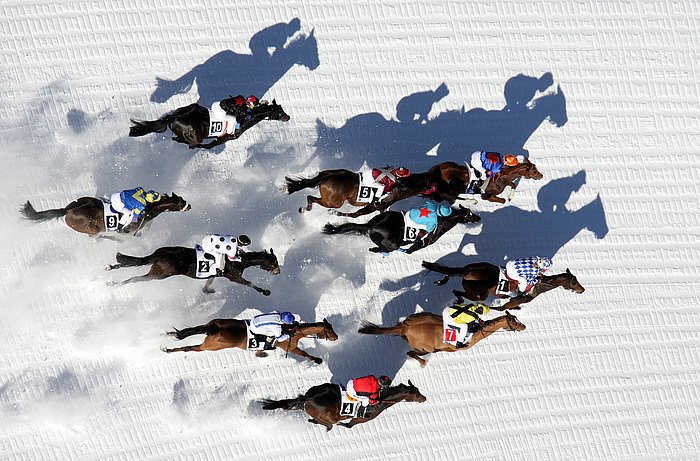
White Turf St. Moritz (since 2000)
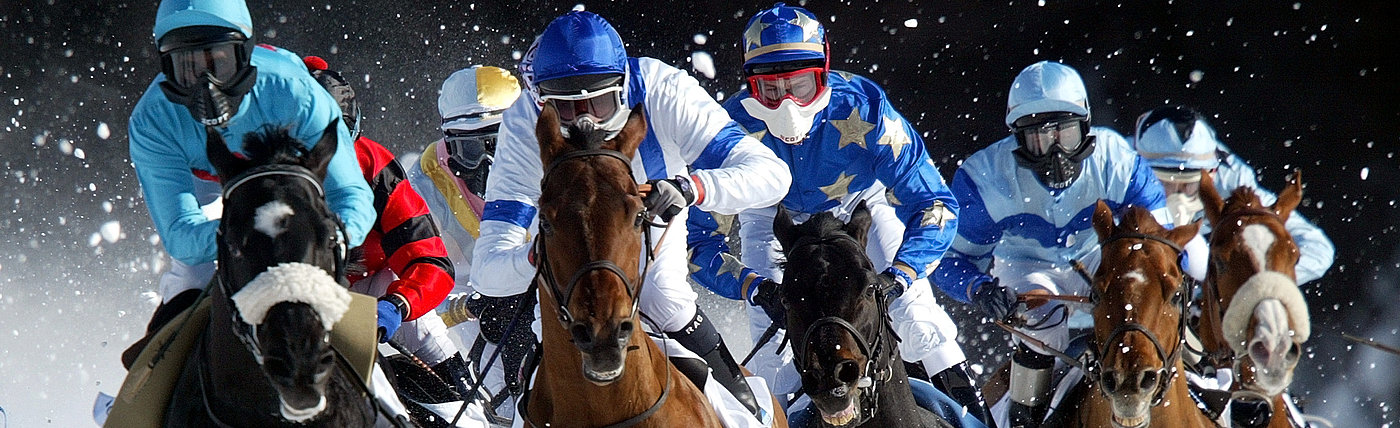
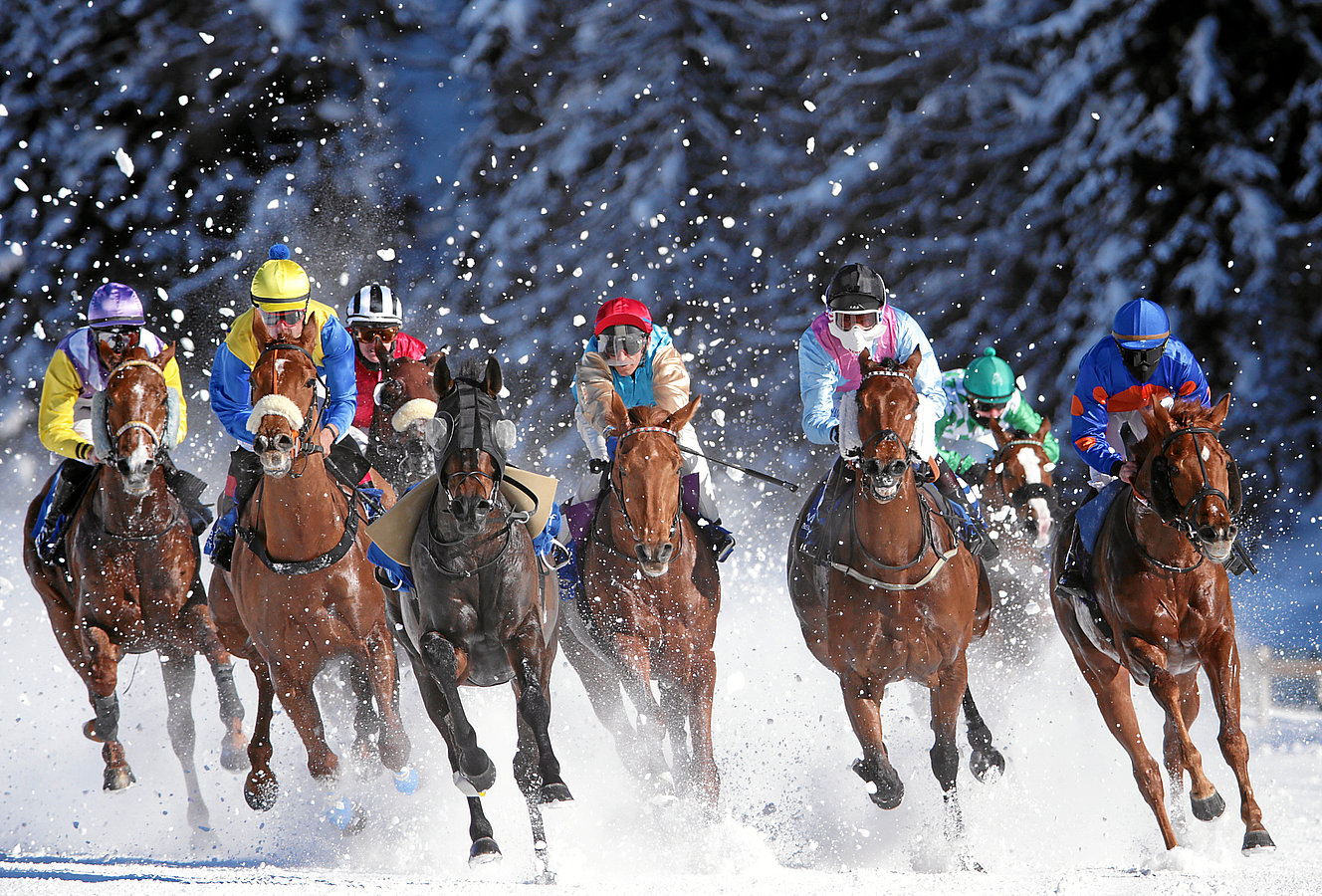
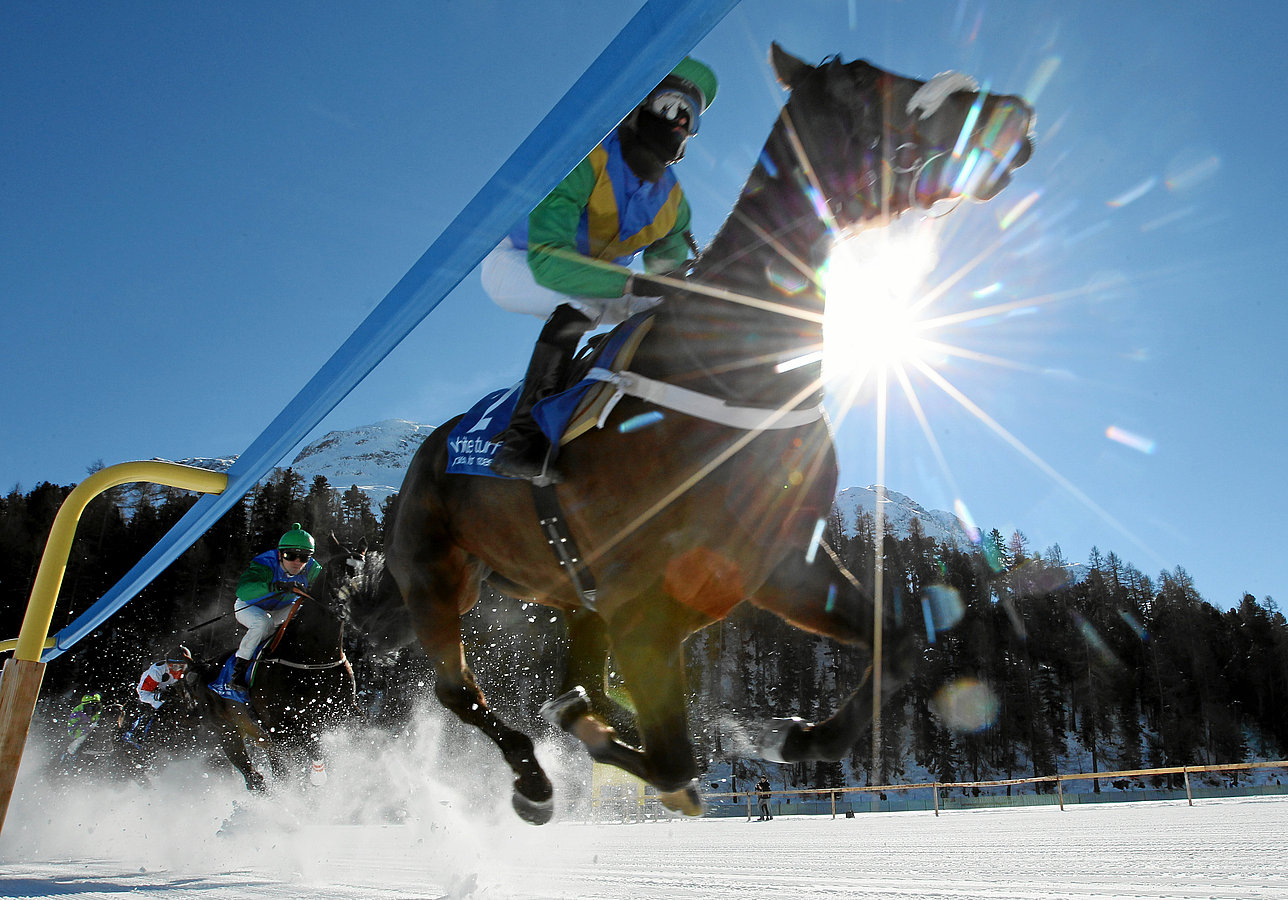
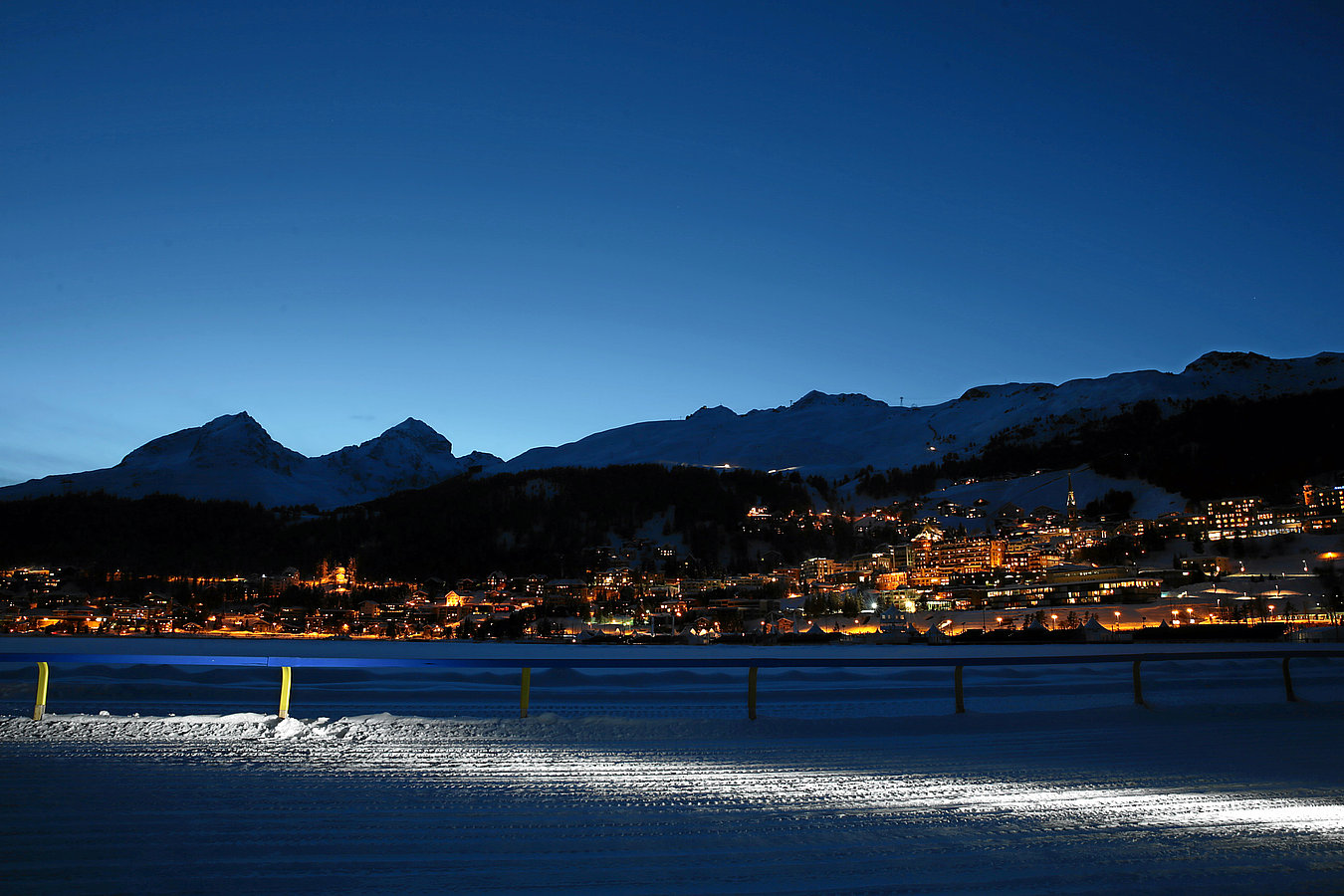
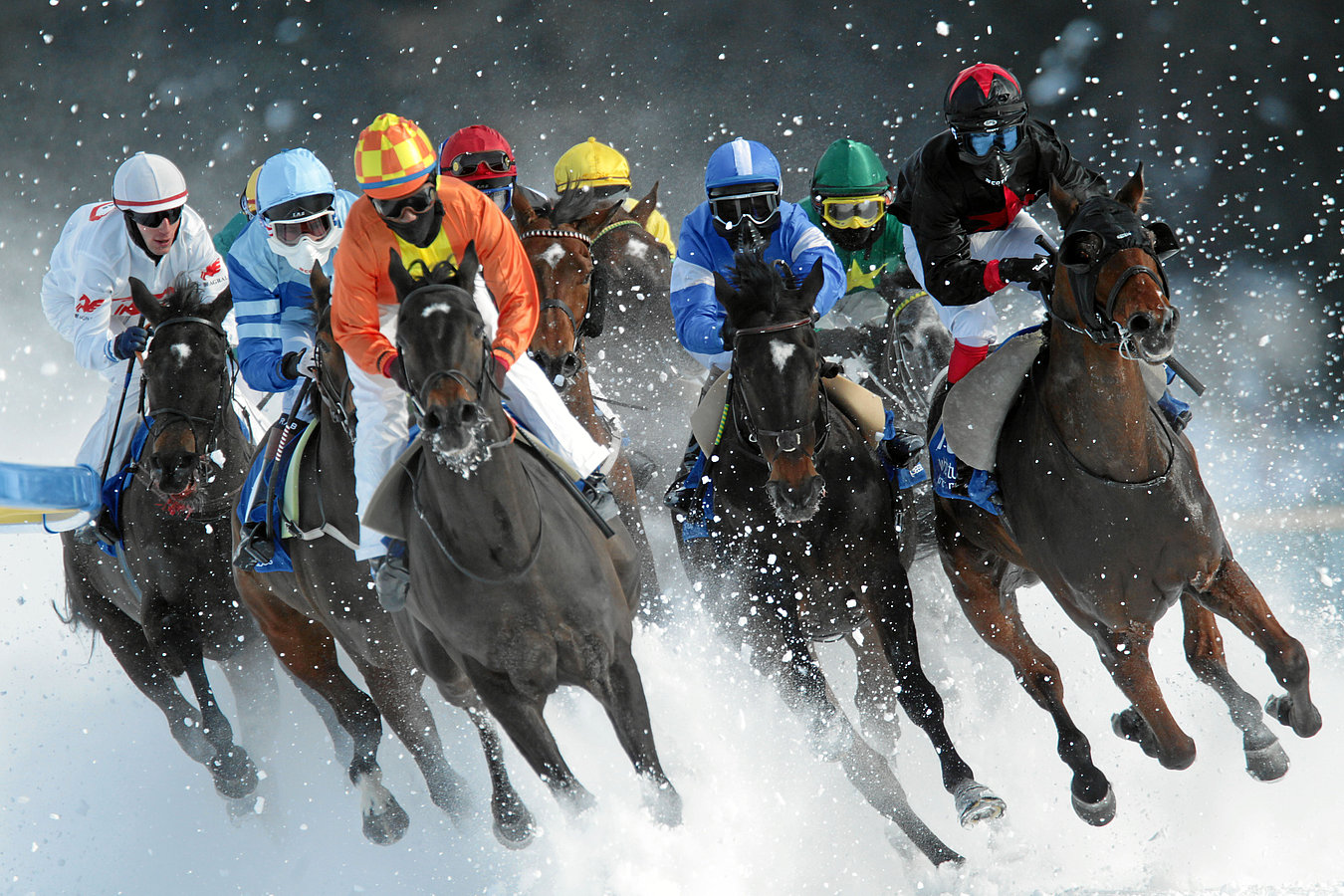
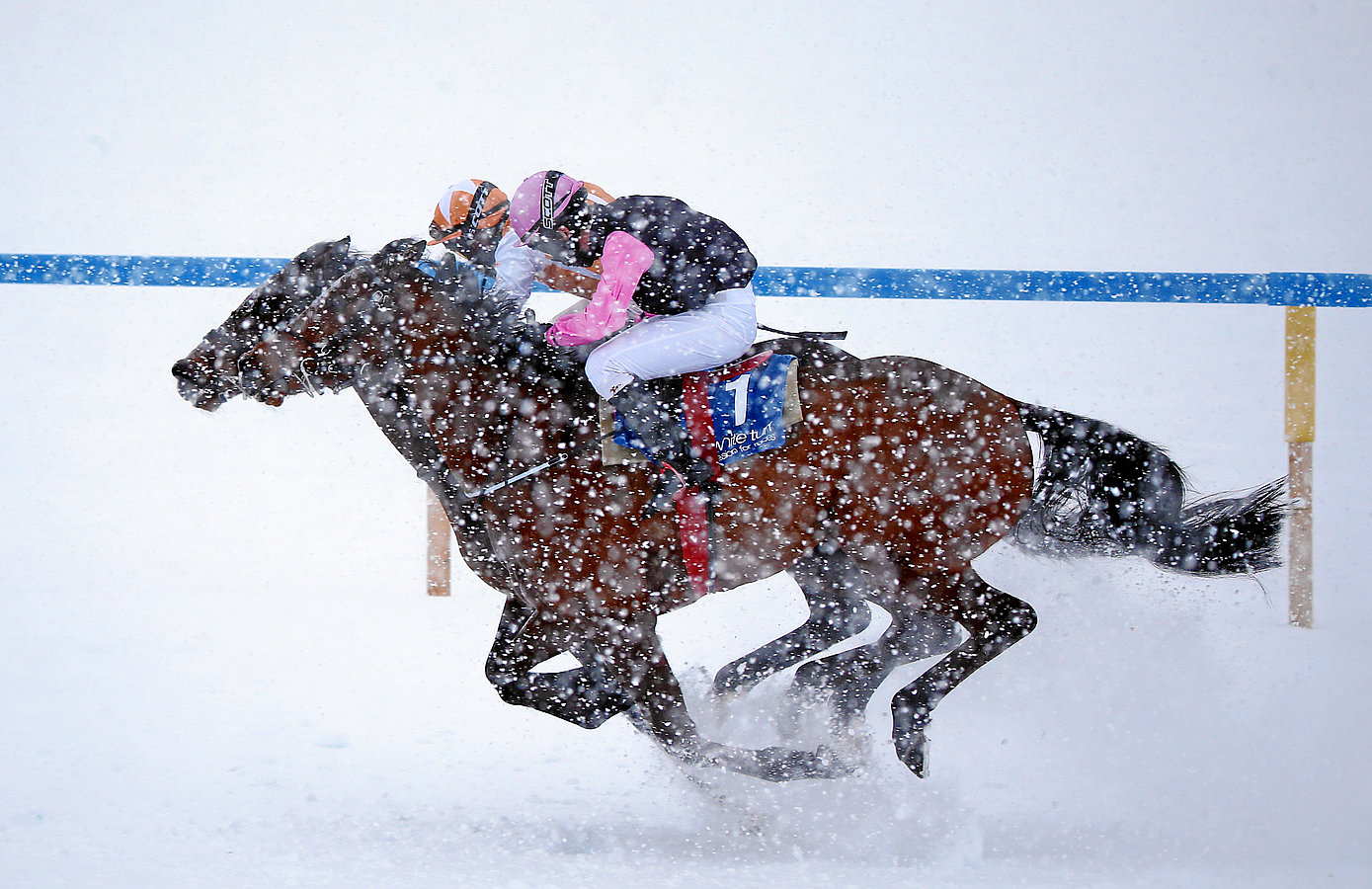
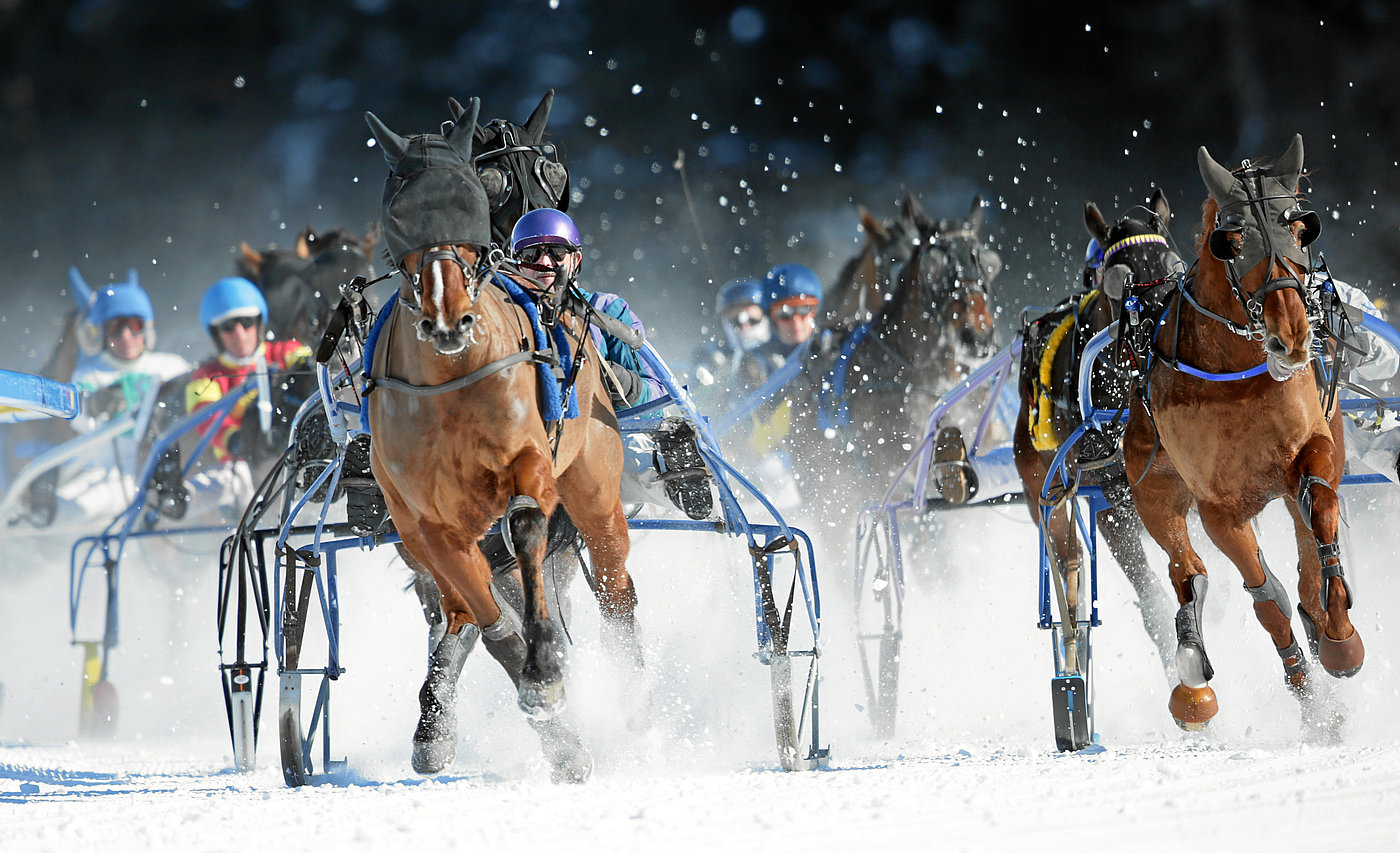
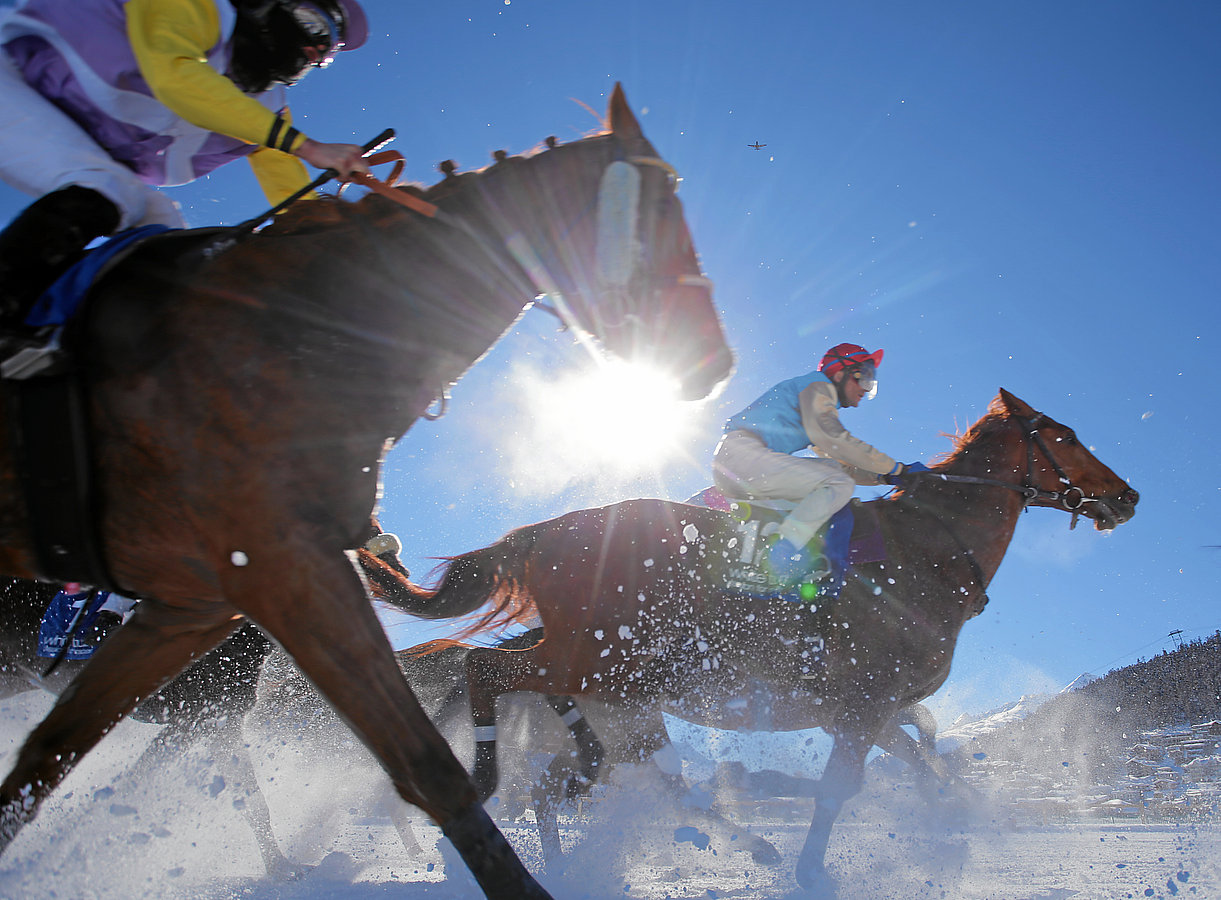
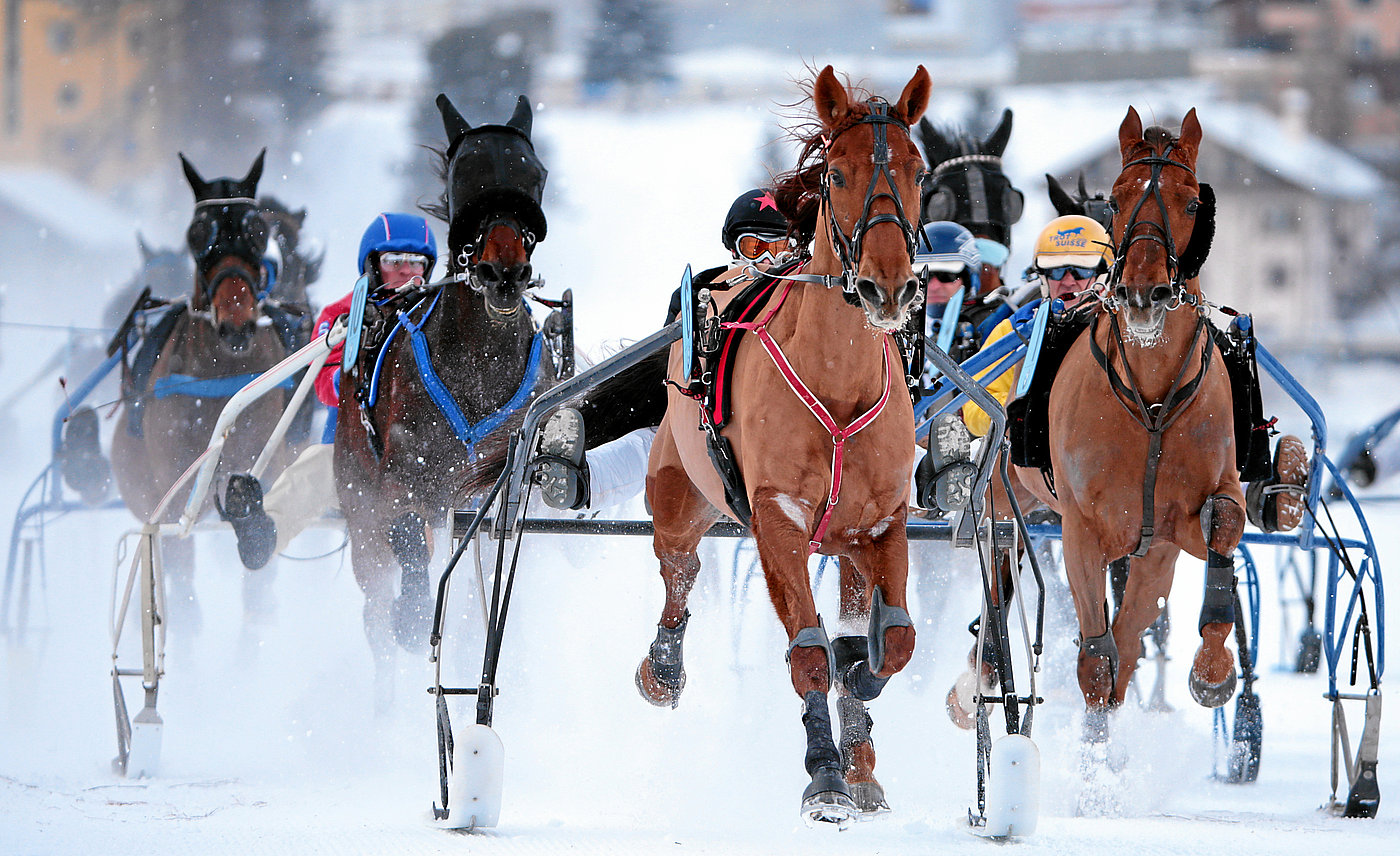
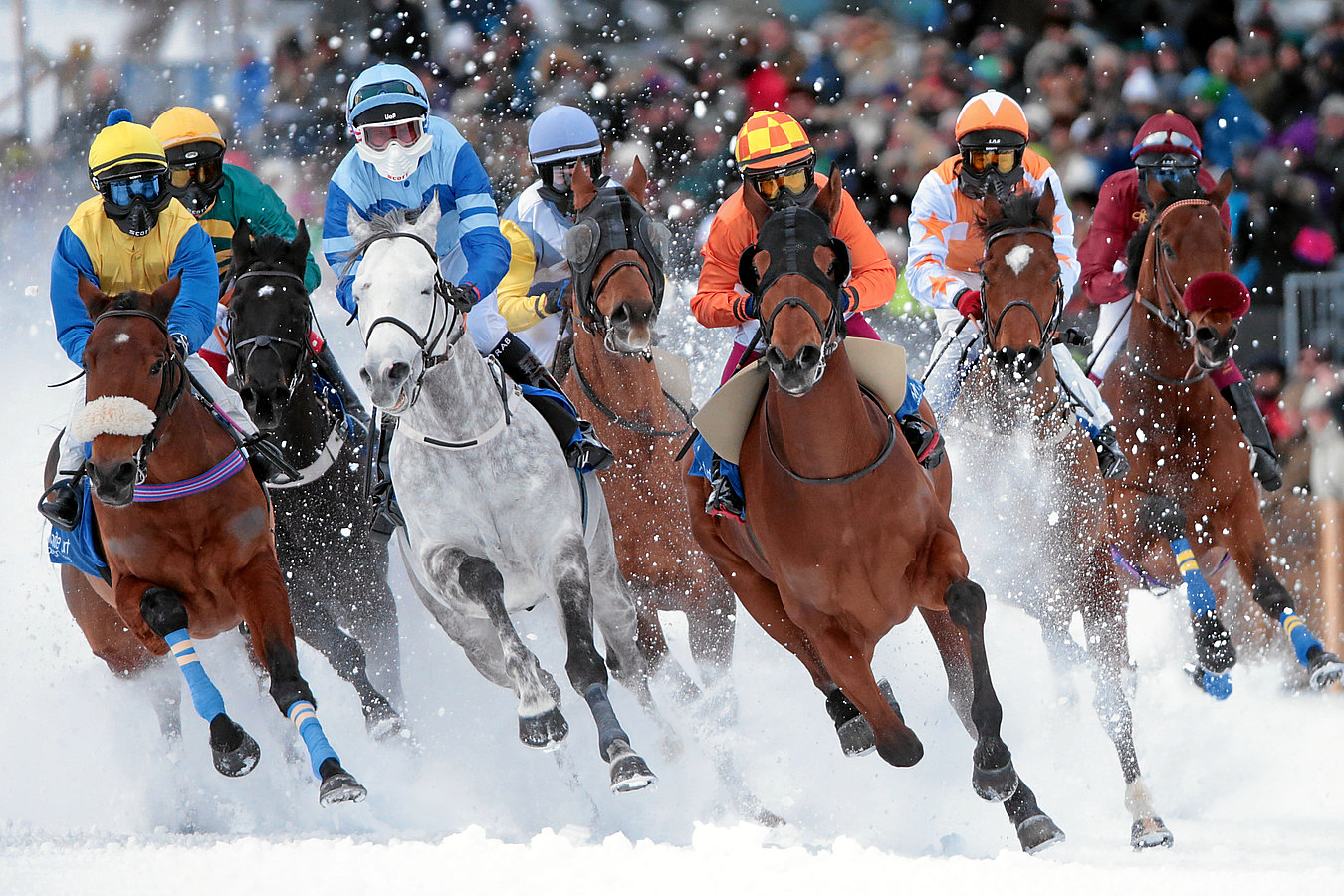
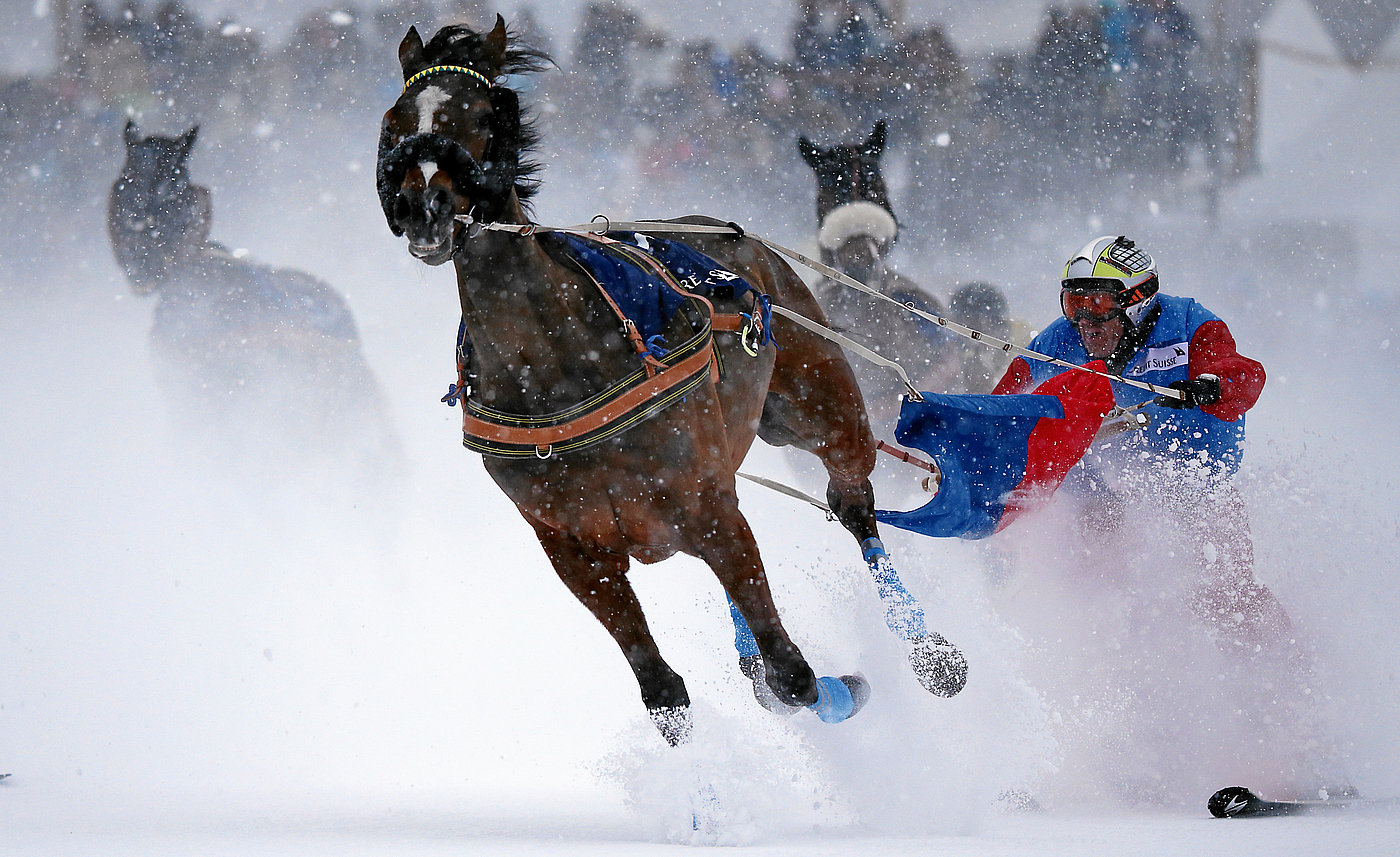
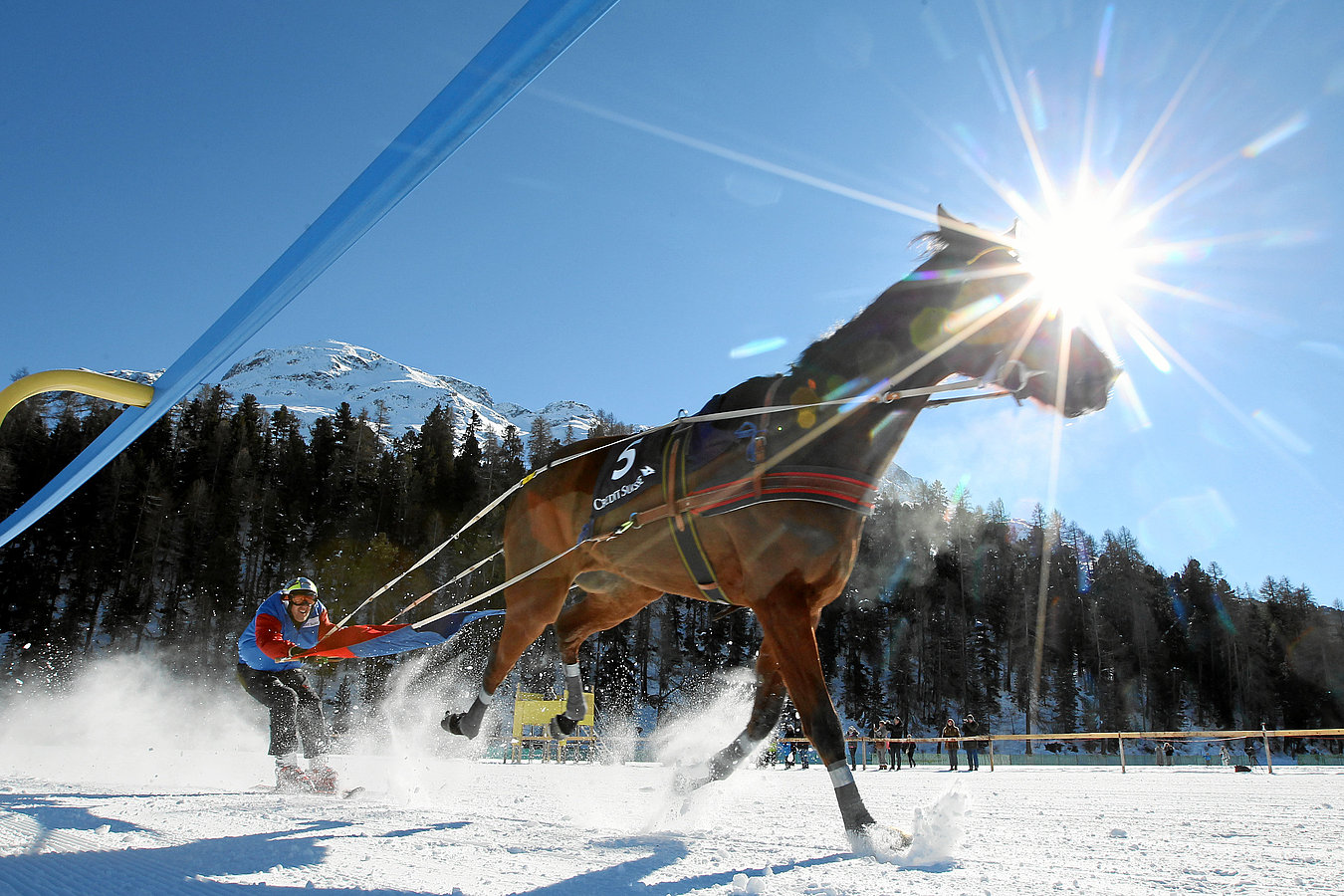
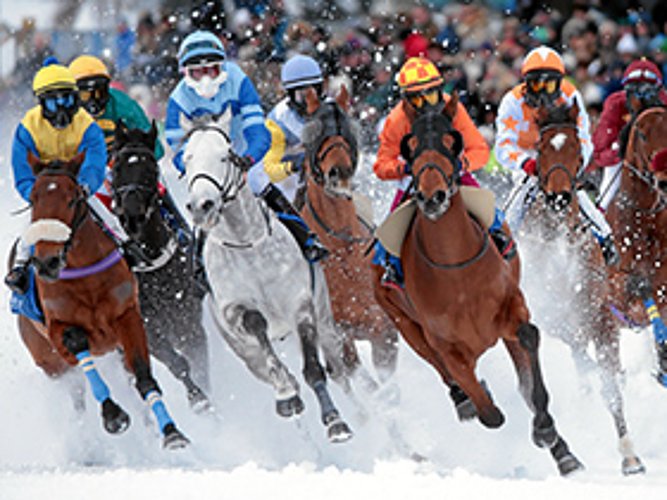
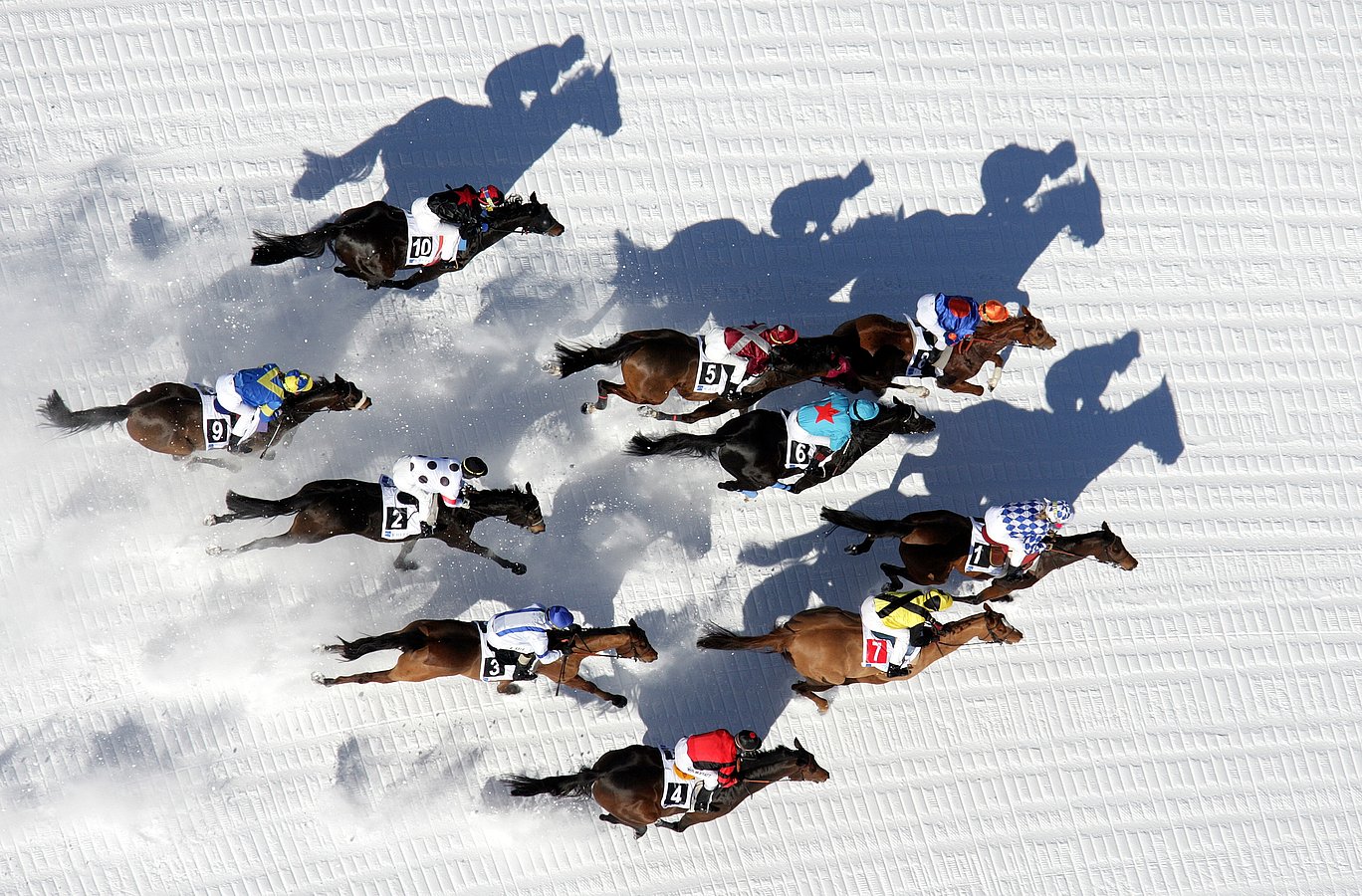
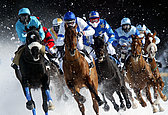
Thudding hooves, blasting snow – White Turf St. Moritz is a fascinating event, each February drawing tens of thousands to frozen Lake St. Moritz. International reporters flock to this get-together of purebred racehorses and the rich and beautiful. swiss-image has been serving this distinguished equestrian event since 2000. Live image transfer plays a key role for our coverage of this huge racing areal. LTE wireless connects the cameras of our professionals to our editing department. Our images often reach their goal before the horses do! This technology allows us to add live slideshows to the White Turf website. LiveGallery for smartphones and tables also offers real-time access to an international audience. Now we also offer quick and easy sharing of all White Turf images, with share buttons for all major social media channels. Of course, the swiss-image.ch press media service is central to our work for White Turf. We post press photos online within minutes. Newspapers, magazines and horse racing websites around the globe use this royalty-free image service.
>> LiveSlide White Turf St. Moritz 2015
Photo Andy Mettler/swiss-image.ch
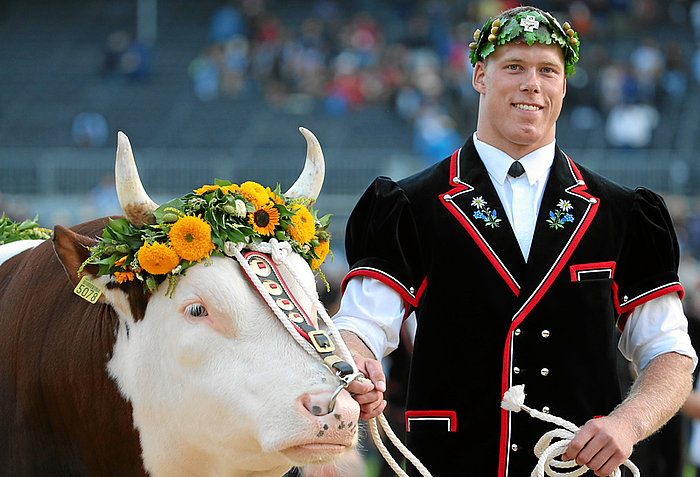
"Eidgenössisches Schwing- und Älplerfest" (since 2004)
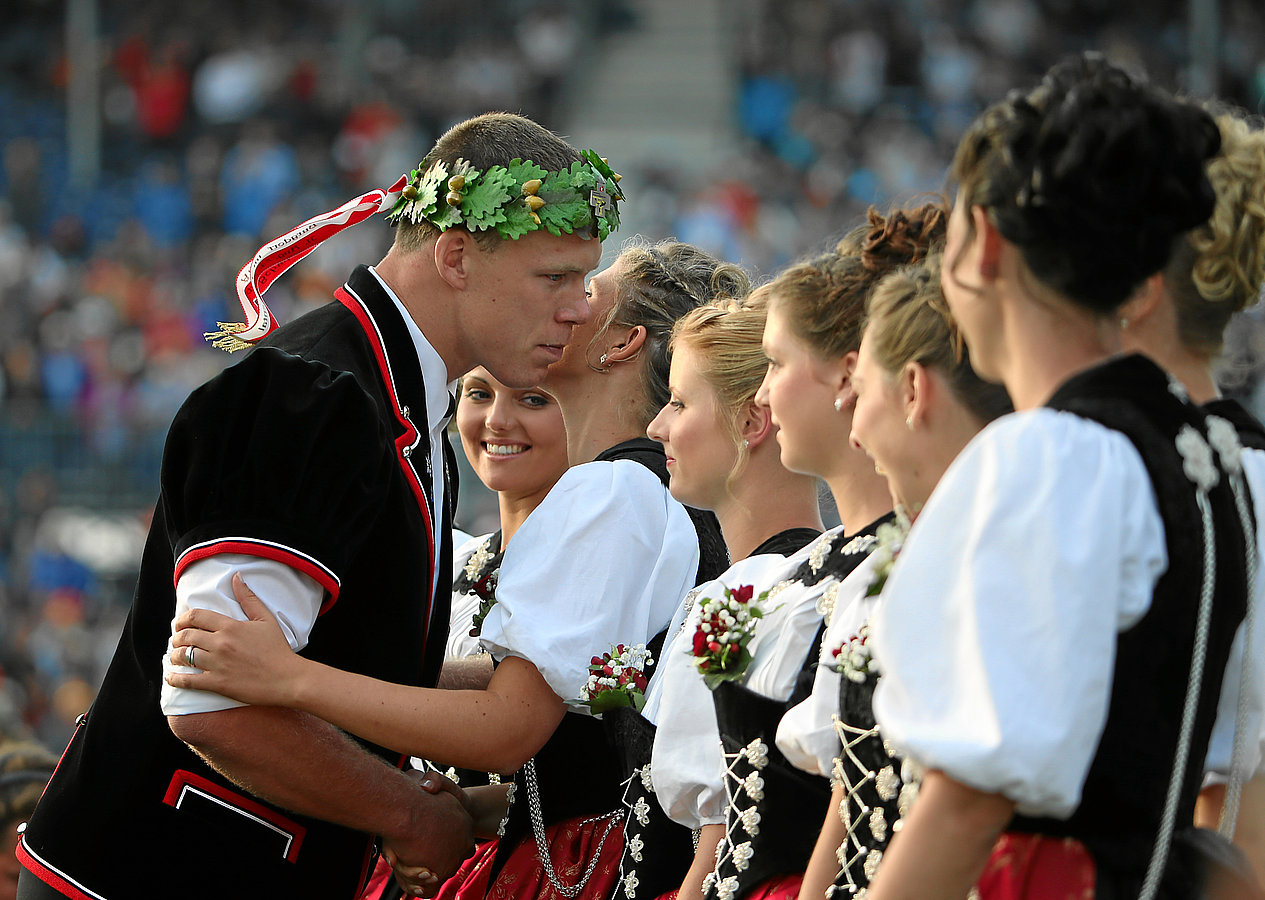
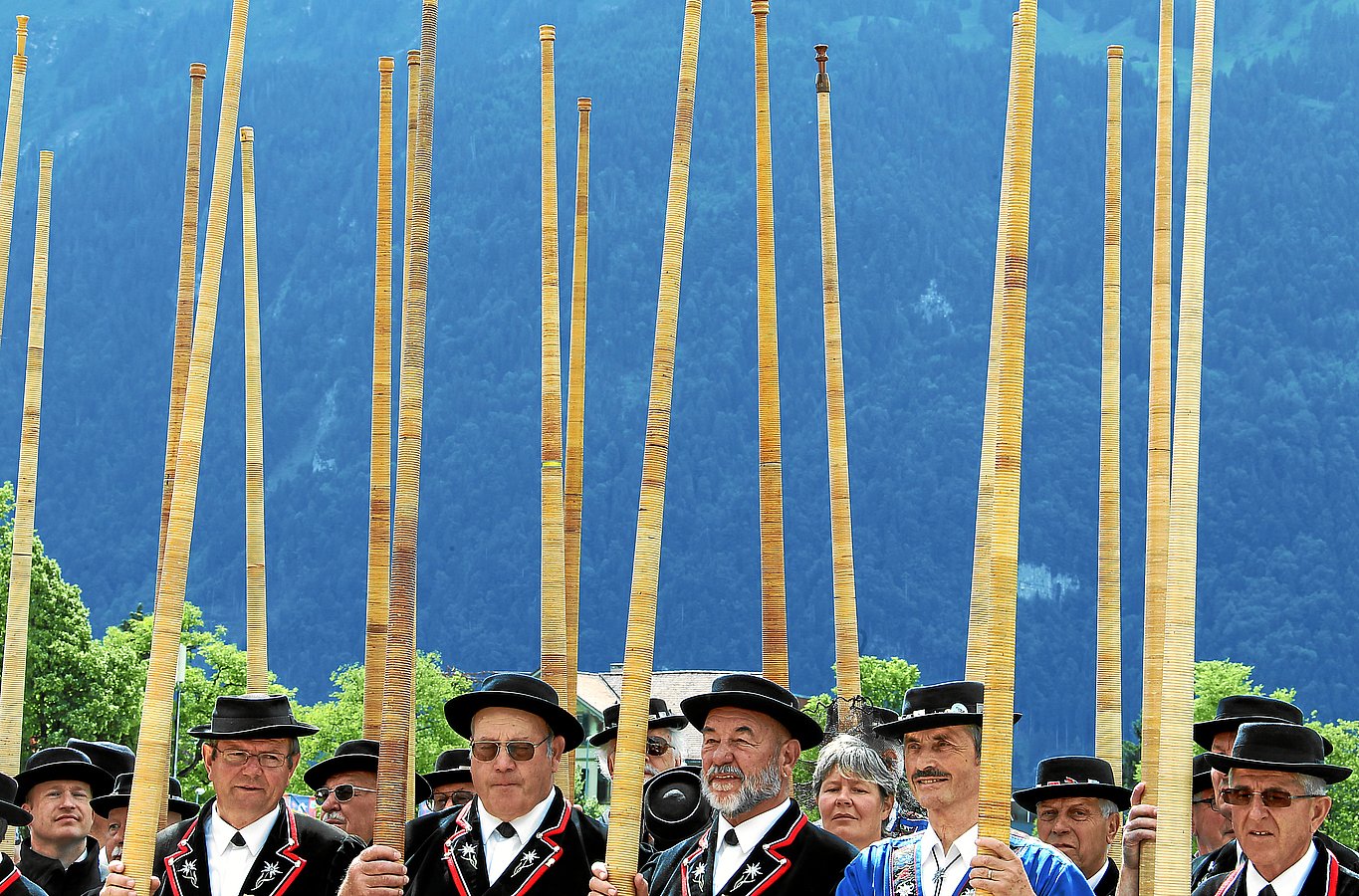
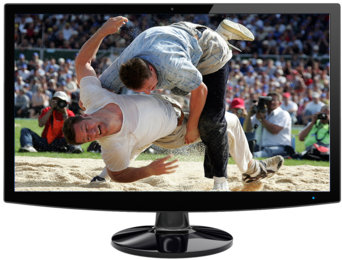
As a neutral image agency without commercial sales to media sources, swiss-image.ch is predestined to organize official image services for large Swiss festivals. Since the early 2000s, we have photographed the largest Swiss event, the Eidgenössische Schwing- und Älplerfest, in Lucerne, Aarau, Frauenfeld and Burgdorf. We will also be the official image agency for the event in Estavayer-le-Lac in 2016. Other federal events we cover include the festivals of the Eidg. Jodlerverband (Federal Yodelling Association) and the Eidg. Musikverband (Federal Music Association). Professional photographers, modern technology and experience from nearly 1,200 events guarantee that we cover all imaging needs at minimal staff cost. Excellent photos are the basis for our successful work for these federal events. Gripping action shots are just as vital as close-ups of disappointed favorites or impressive details from the festival grounds. LiveImage gives our editors real-time access to current images, which is especially important for the final run. In Estavayer-le-Lac, our images are not just for the media. The audience and online Schwinger friends will also be able to see our images on their web devices. LiveSlideshows and LiveGalleries offer the best images. This will be the first ESAF, where fans can share their favorite images straight from the LiveGallery.
>> LiveSlide Eidg. Schwing- und Älplerfest (Swiss Strongman Games) 2013
>> LiveSlide Swiss Jodeling Festival 2014

World Economic Forum Annual Meeting Davos (since 1999)
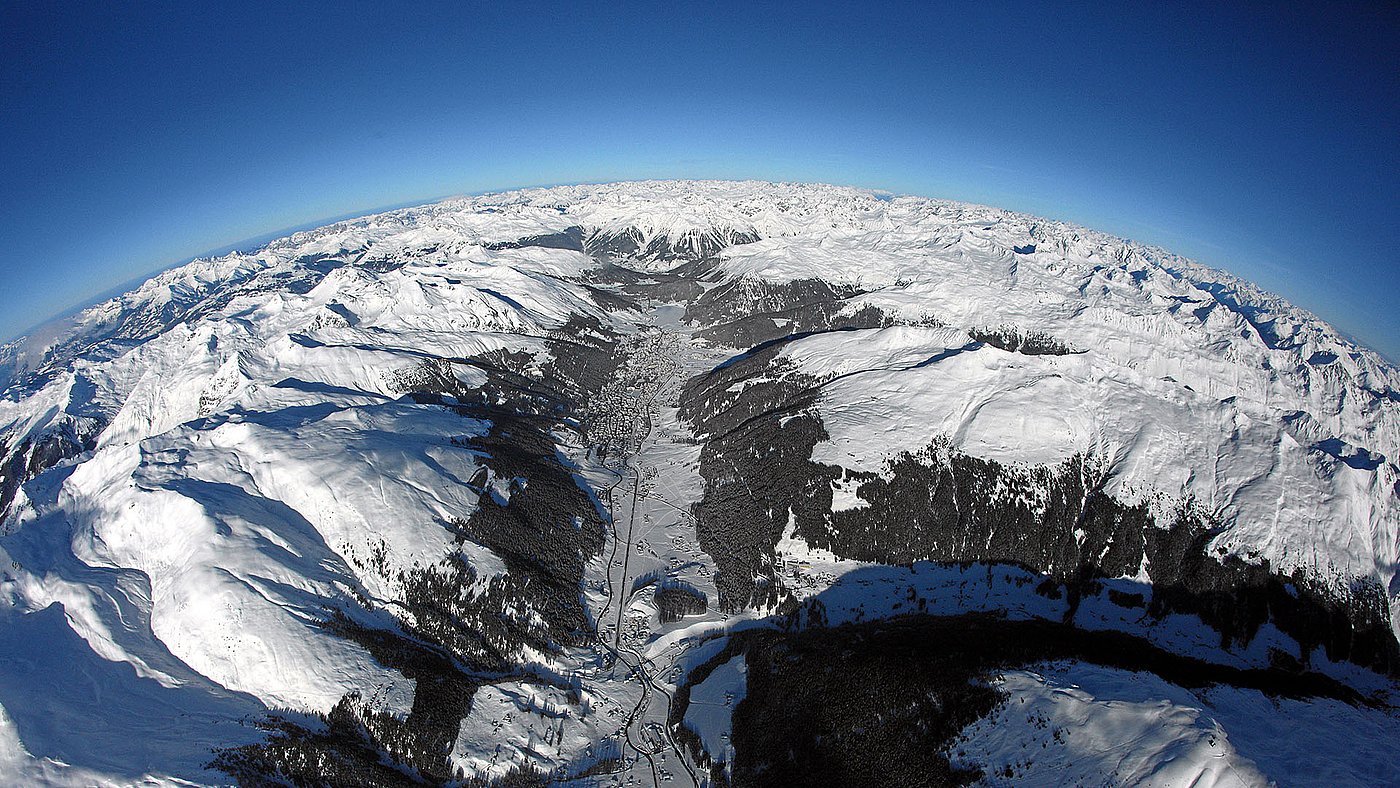
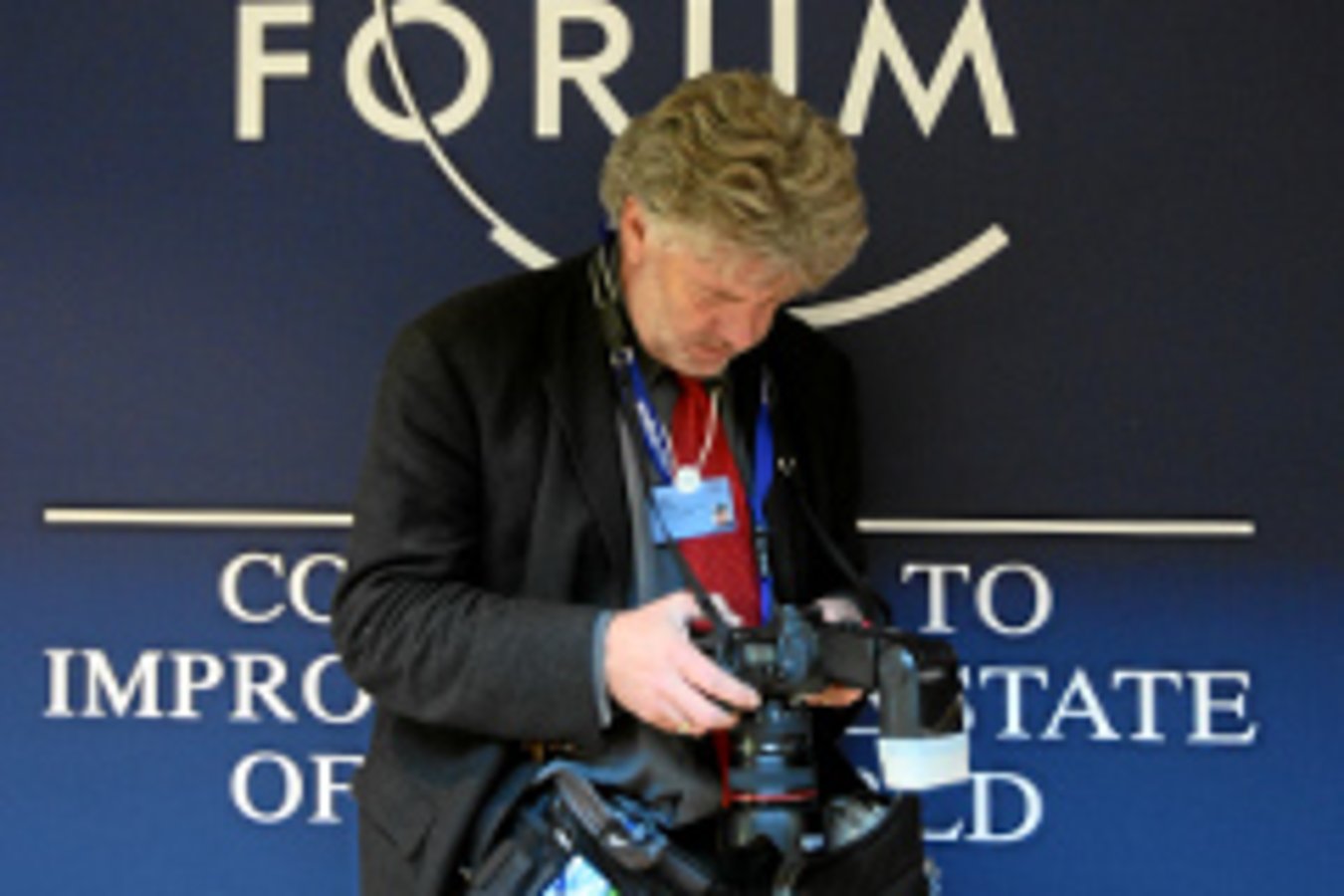
The WEF annual meeting in Davos has been Switzerland’s top international event for decades. Presidents, heads of state, monarchs, business tycoons and Hollywood stars all travel to Davos every January. swiss-image.ch has been providing comprehensive image services to the WEF since 1999. This logistic challenge inspired us to develop a new type of image transfer, LiveImage, in 2002. Our team of 18 has been using LiveImage steadily since 2008. This has led to efficient task distribution. Solving the Annual Meeting challenge is only possible thanks to LiveImage. LiveImage benefits everyone: The participants,the media, the public and the Forum's staff all provide from the unique photo service. Reporters have access to a neutral, comprehensive and royalty-free press image service. The photos are available online a few minutes after being shot. All have also access to the instant photo on theire mobile devices, can watcht the latest photos and share them directlo on Facebook, Twitter, Google+ and Pinterest. LiveSlides are linke on websites or presented on big screens in the Convention Center of Davos.
>> LiveSlide Annual Meeting 2015
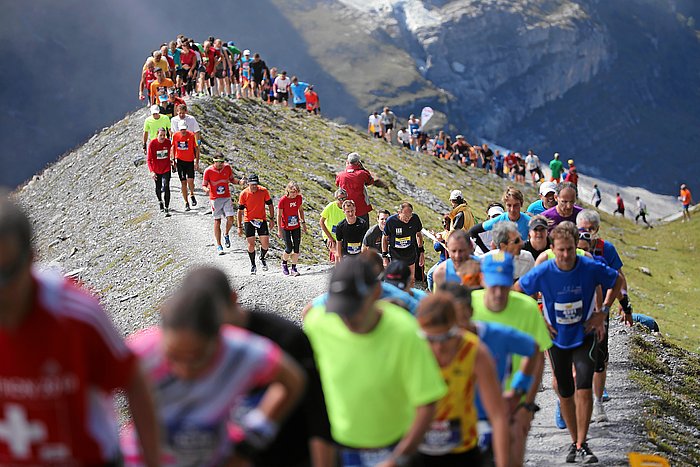
Jungfrau Marathon (since 2004)
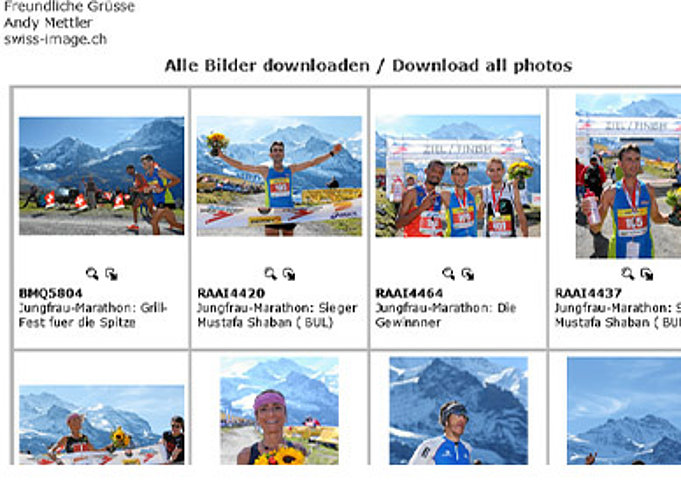
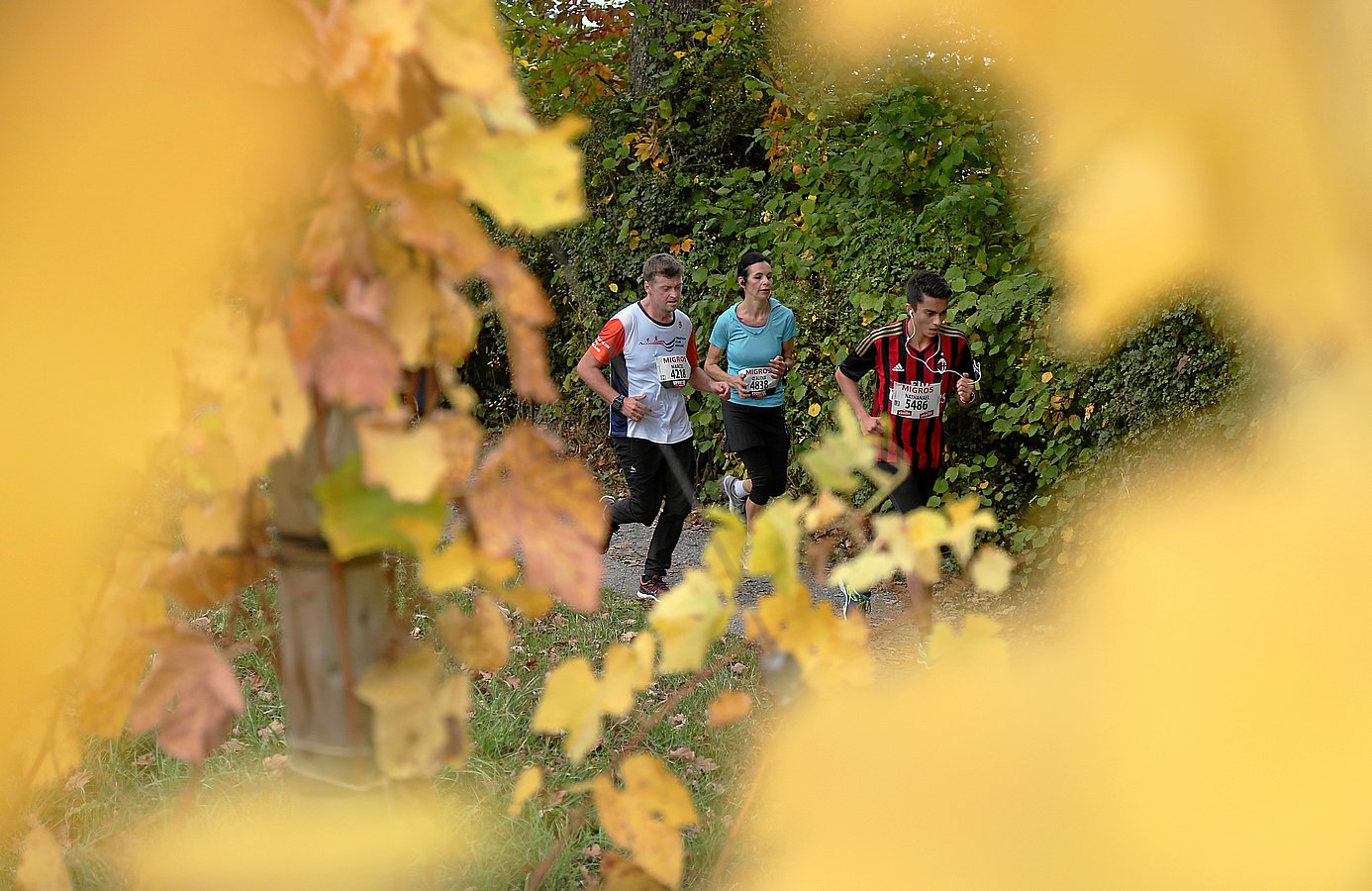
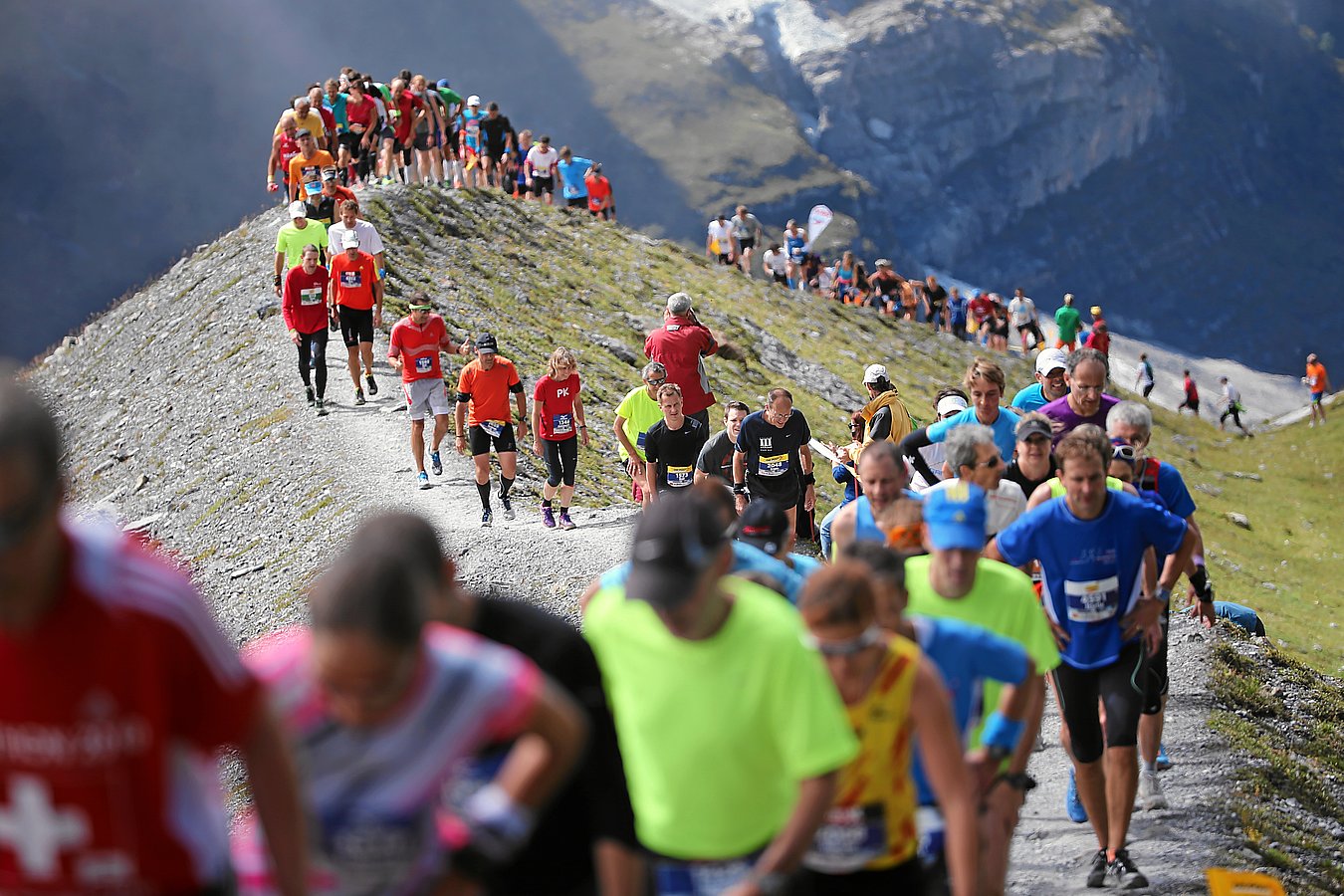
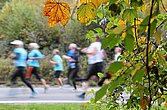
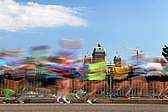
International marathon runners all agree: The Jungfrau Marathon is the world’s most beautiful marathon. The participant limit of 4,000 is normally reached half a year ahead of the marathon, which takes place in September. Those lucky enough to get a spot anticipate the run from Interlaken to the Kleine Scheidegg pass at the foot of Mount Eiger, Mount Mönch and Mount Jungfrau. LiveImage has transformed this mountain marathon into a show run. Swisscom supplies the entire trail with high-speed LTE wireless access, including the moraine below the eternal glacier. The photos of the aching runners, slowly trotting up the small path in a row, reach the editors in Davos in less than five seconds. A few moments later, the marathon photos can be viewed on screens inside the festival tent or in the hotels of Interlaken, Lauterbrunnen or Wengen. Family members of the runners can view the best moments of the Jungfrau Marathon in the LiveGallery on their mobile phones. Swiss-image.ch encourages direct sharing of images on Facebook, Google+, Twitter and Pinterest. Because at some point soon the images will reach more people through social networks than through Swiss newspaper photos. Viral image communication will grow. By the way: We are constantly expanding our image service for the press at the Jungfrau Marathon. Our image service covers all types of image distribution and usage. This distinguishes swiss-image.ch from other image agencies.
>> LiveSlide from the Jungfrau Marthon 2014

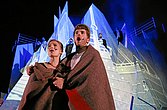
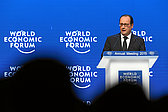
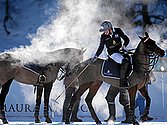

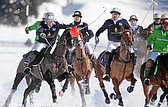
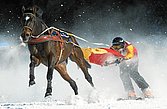
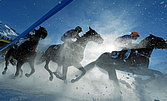
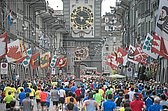
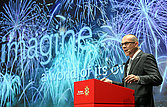
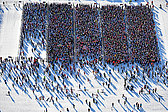
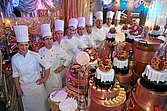

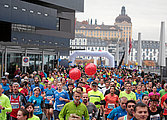
Our diversity of events is as large as our photographic and technical options
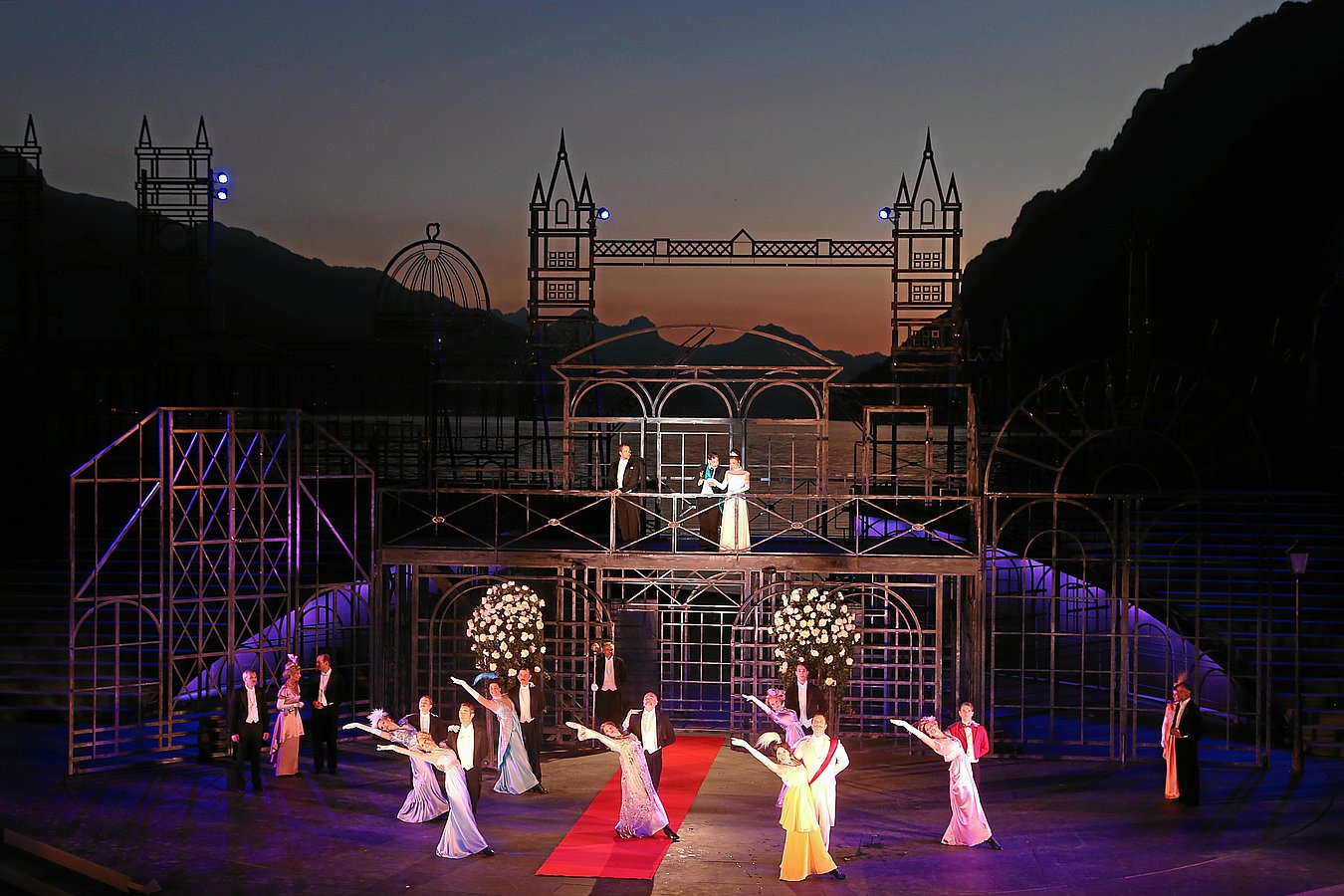
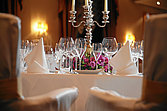
Above, you will see a small cross-section of events that we have been able to support for many years with our image service. Our image service has been developed for all types of events. Our system with live video transmission, live slideshows on your website, big screens or mobile phones, along with our press image service, ensure the best results for a musical or a marathon. LiveImage is universally deployable, and has been proven for many years at major events such as the World Economic Forum Annual Meeting and at the Swiss Wrestling and Alpine Festival, Swiss yodeling festivals, and Swiss music festivals. And, in any event, at MICE events by companies and organizations.
You can best experience the events of our events customers on our LiveSlide, or as a guest in the event image database.
>> www.liveimage.ch
>> www.swiss-image.ch
Photos swiss-image.ch
Event Clients
have trusted swiss-image.ch with their images for many years











Notable Swiss events and organizations have trusted swiss-image.ch for decades
Our modern, first-rate high-tech concept for visual communication is fine-tuned to the needs of future oriented event organizers. We do not copy traditional service concepts by other image agencies who often pursue PR tactics from the last century. We prefer to transform our visions into practicable, yet intrigung solutions. As a market pioneer in image communication, we can offer astonishing solutions for all types of events. Our integrated image solutions and high-quality images have convinced our clients for many years. 90% of our client base are regulars. Some have been with us since the 1990s – because we guarantee the best image service for the best price.
Here’s a selection of events we have been working on for many years:
Inquiry
for our image services
Do you want top images and the leading image service for your event?
swiss-image.ch is the right choice if you need more than a photographer for your event. Outstanding images and a modern, integrated image service make your image communication instantly successful. In all areas. That is why swiss-image.ch offers all imaginable event photography services. Powerful photos and modern media preparation for the Internet and social channels, sometimes in the fraction of a second, because our images are virtually live or real-time.
For more information, call us at +81 413 55 50.
We will gladly send you our documentation and pricing samples.
Inquiry
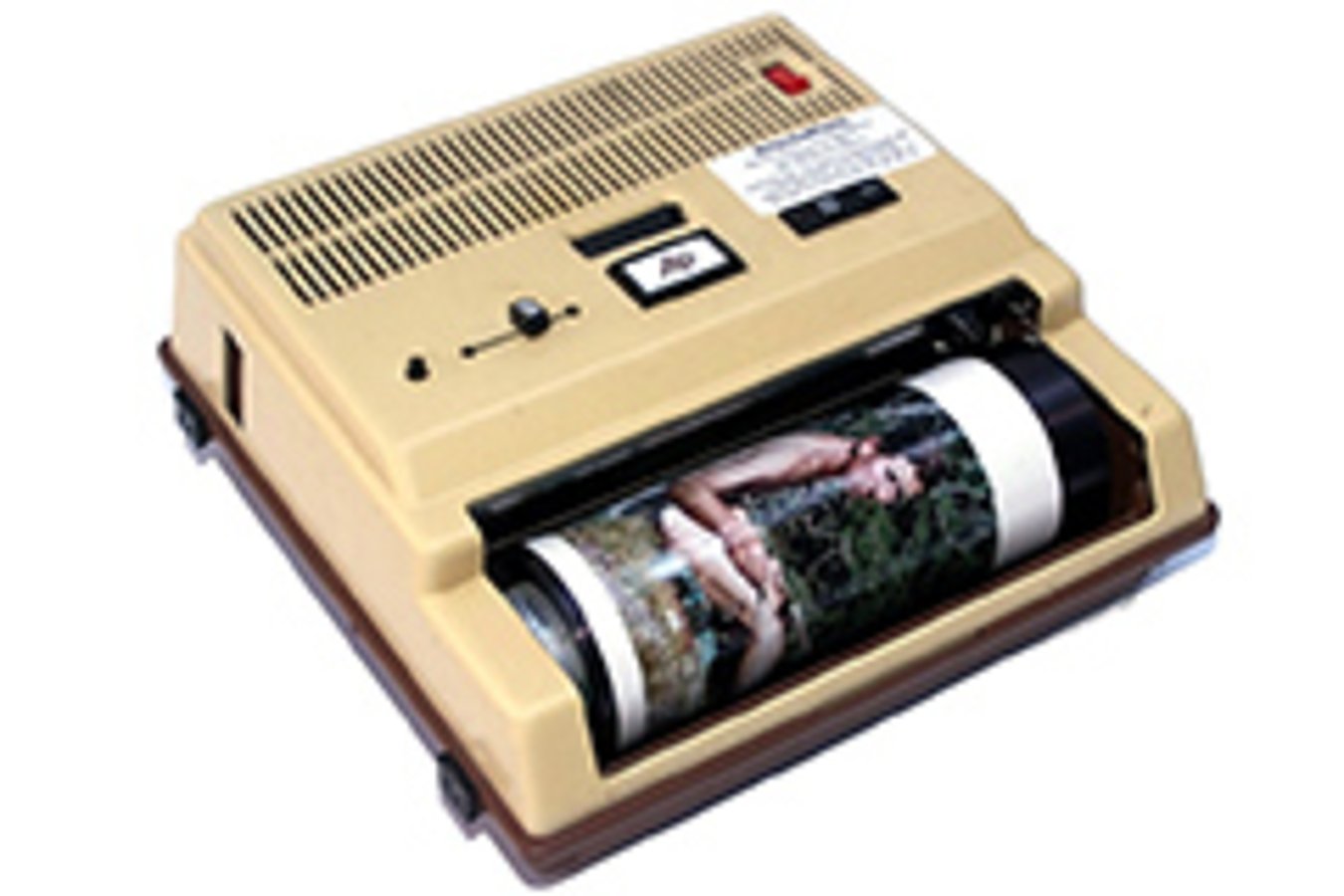
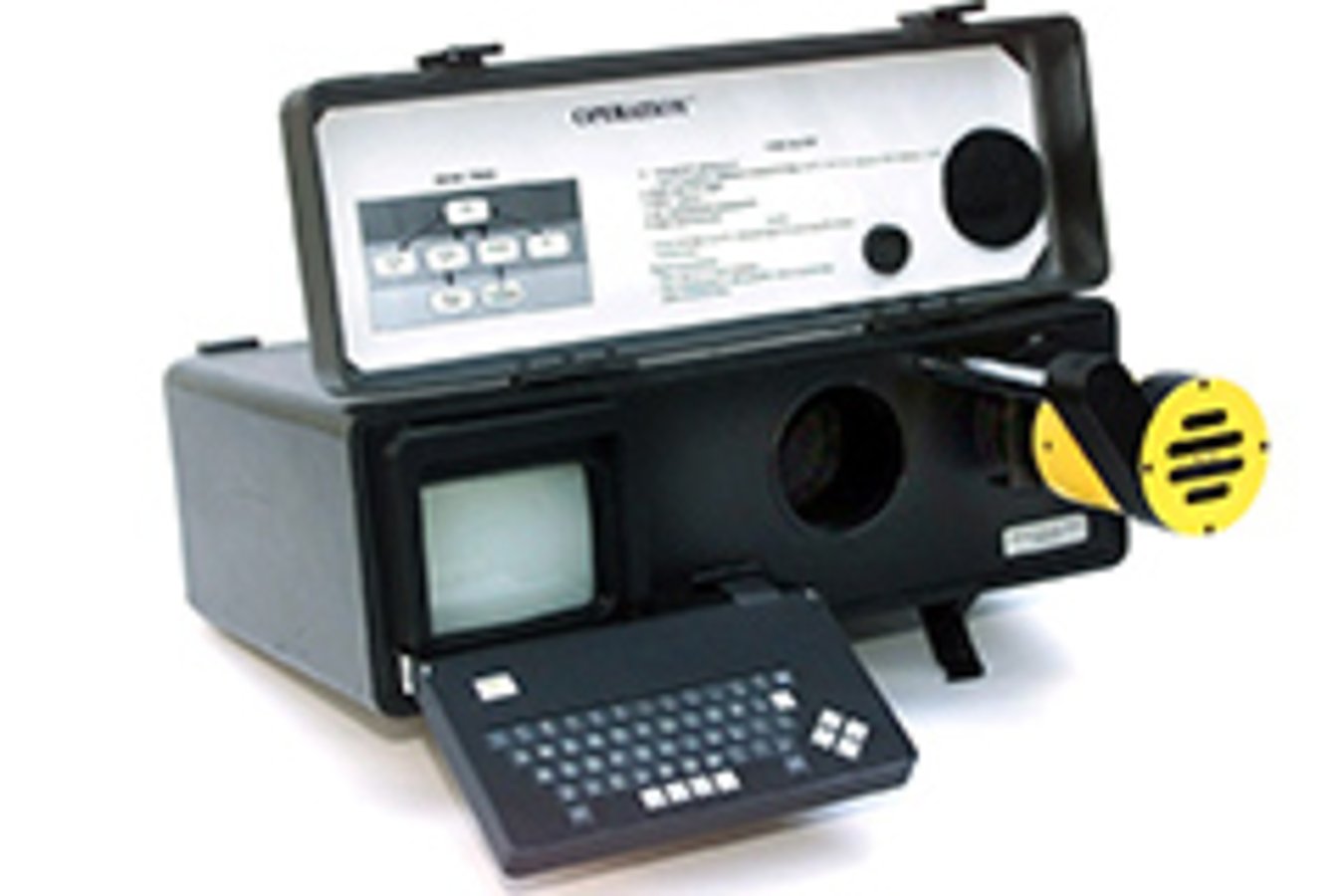
Technology Review
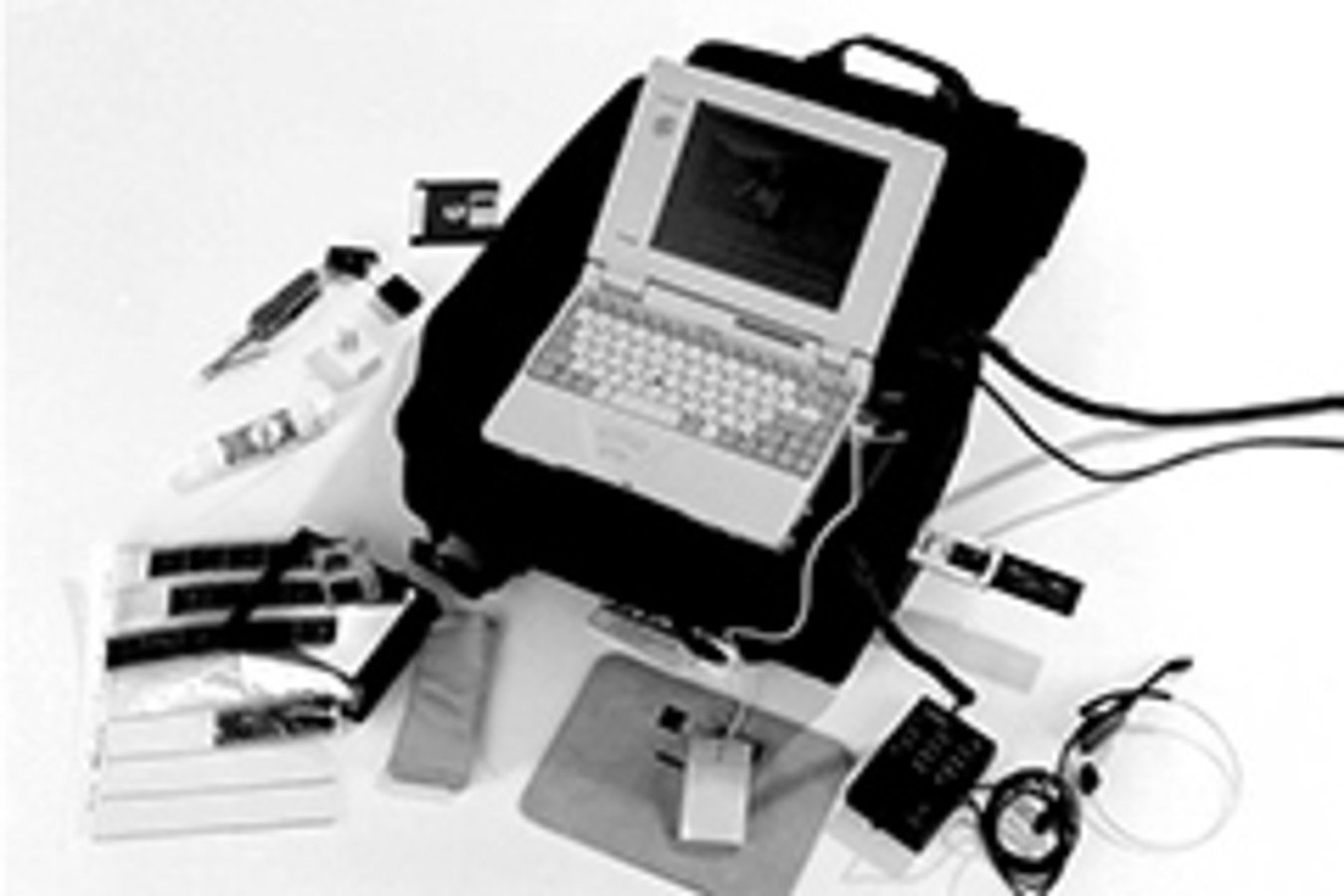
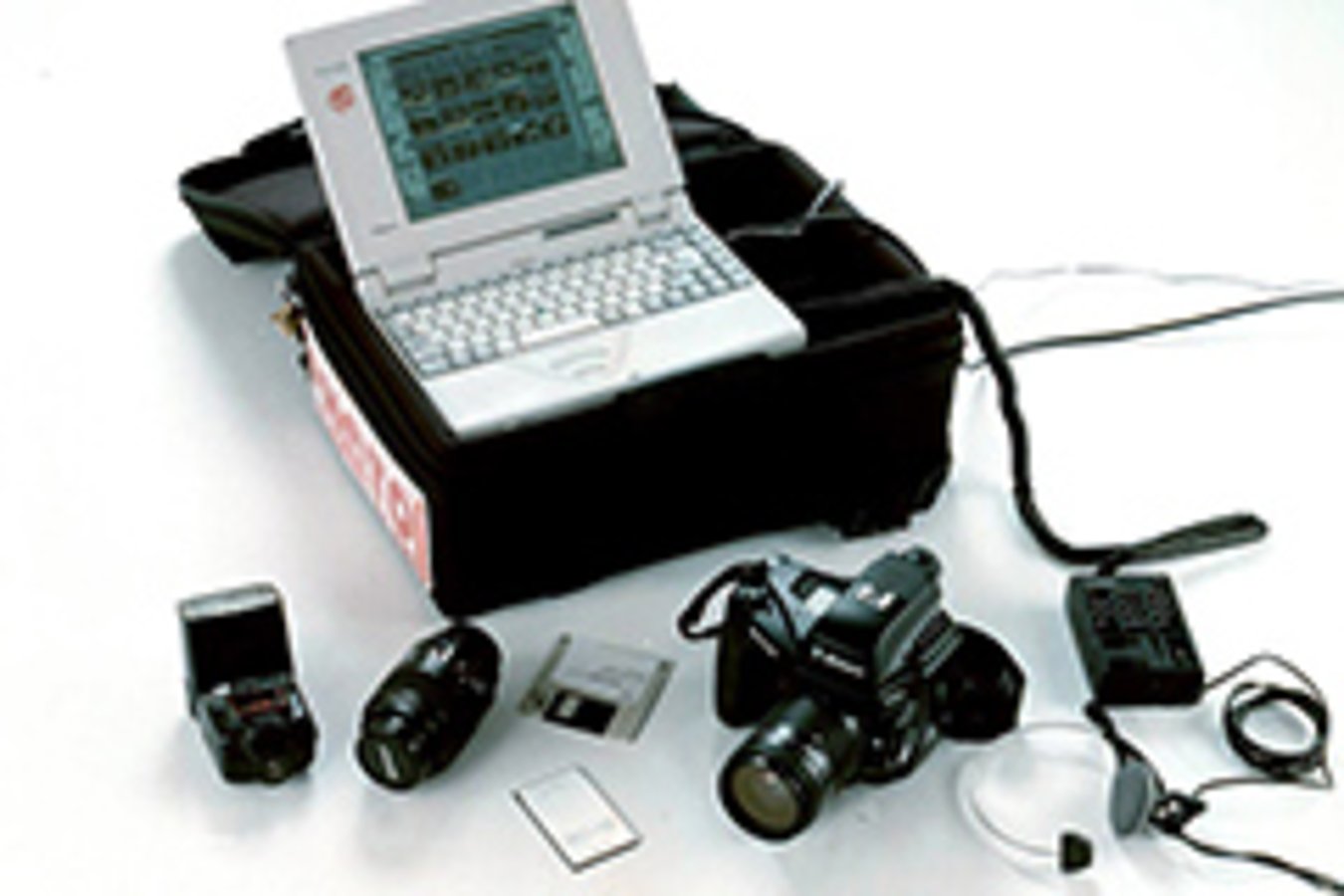
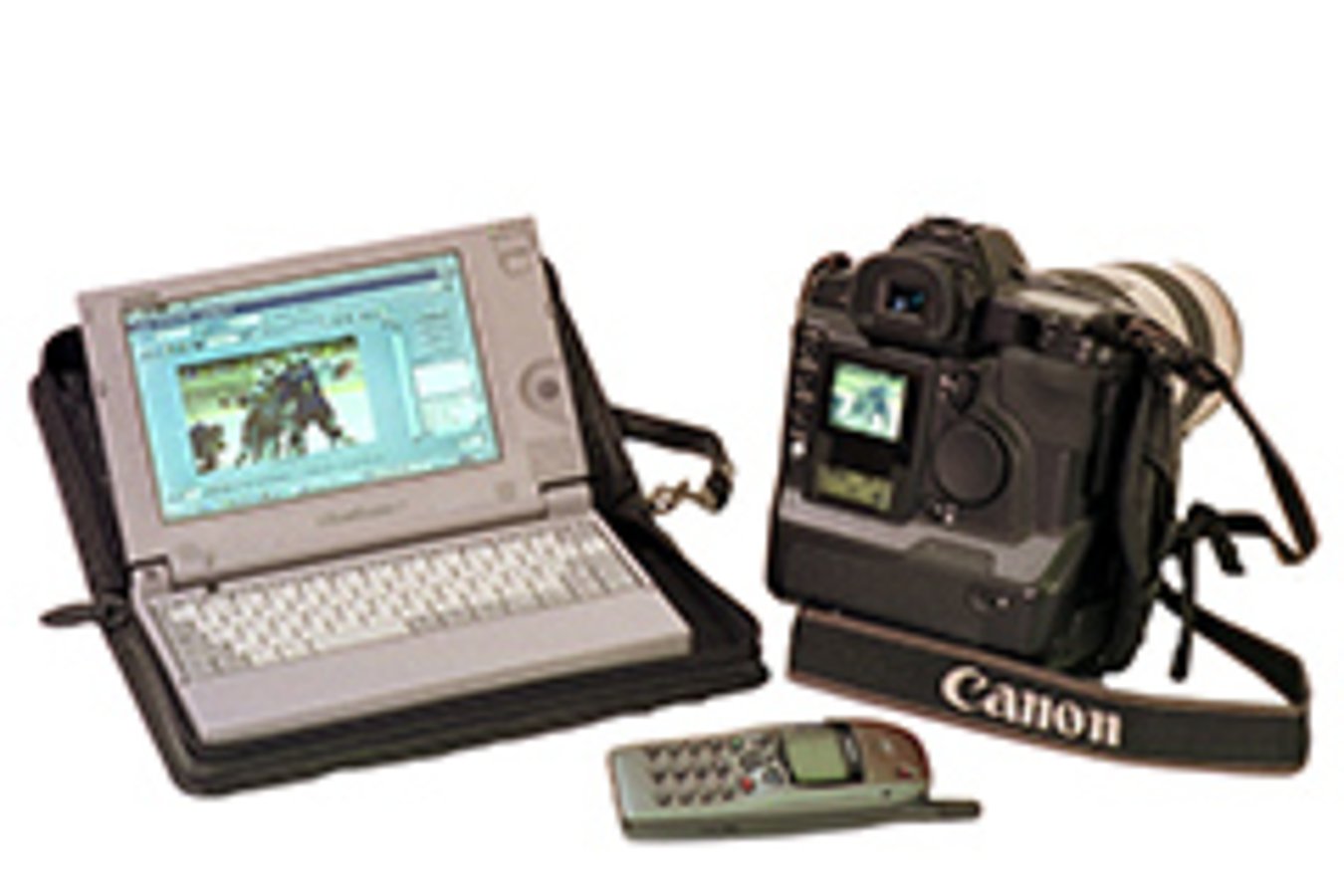
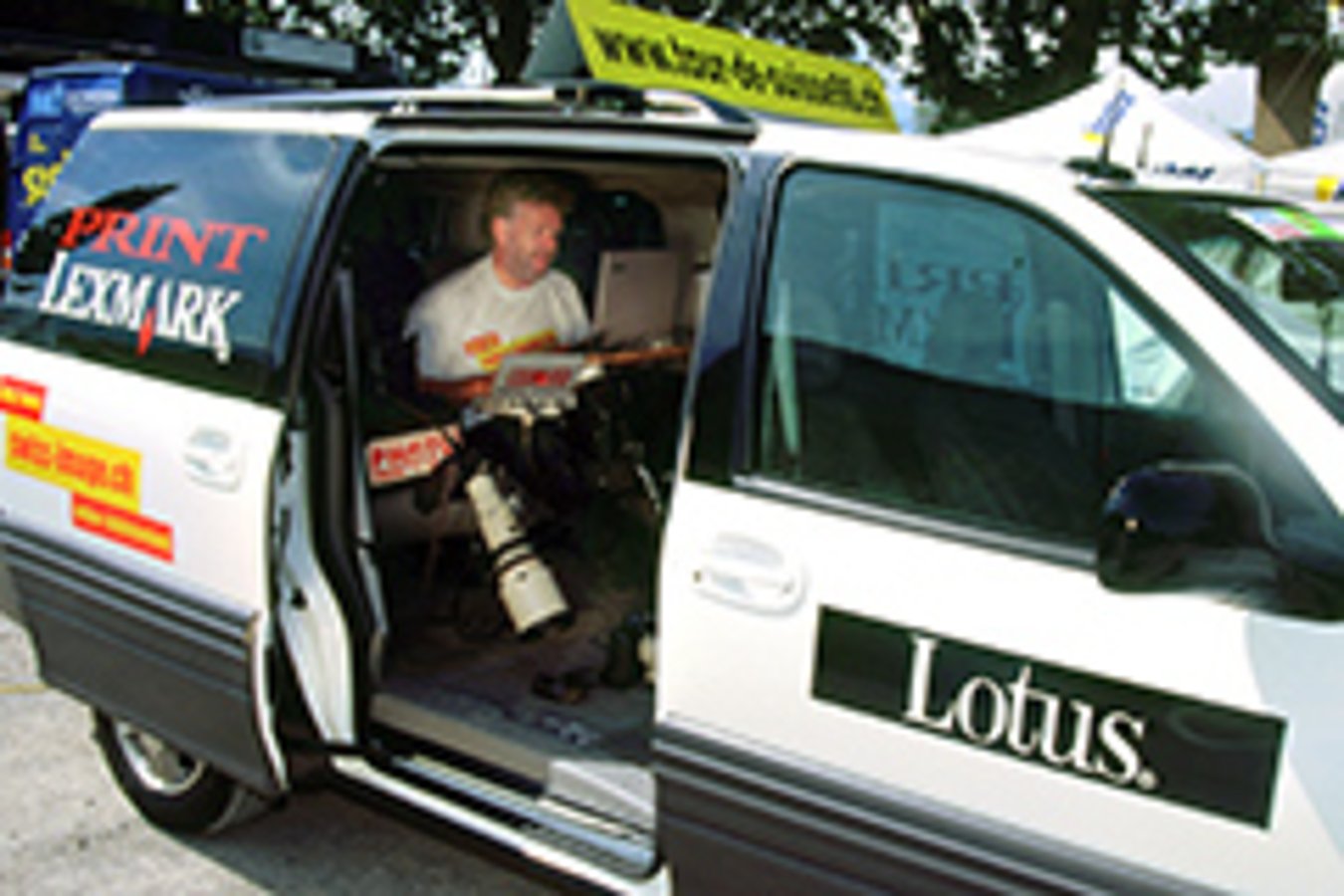
- for press images, faster and faster wings have become available...

Photos by swiss-image.ch